BevyCSharp 0.5.149
See the version list below for details.
dotnet add package BevyCSharp --version 0.5.149
NuGet\Install-Package BevyCSharp -Version 0.5.149
<PackageReference Include="BevyCSharp" Version="0.5.149" />
<PackageVersion Include="BevyCSharp" Version="0.5.149" />
<PackageReference Include="BevyCSharp" />
paket add BevyCSharp --version 0.5.149
#r "nuget: BevyCSharp, 0.5.149"
#:package BevyCSharp@0.5.149
#addin nuget:?package=BevyCSharp&version=0.5.149
#tool nuget:?package=BevyCSharp&version=0.5.149
<div align="center">
Bevy C#
Write Bevy games in C#.





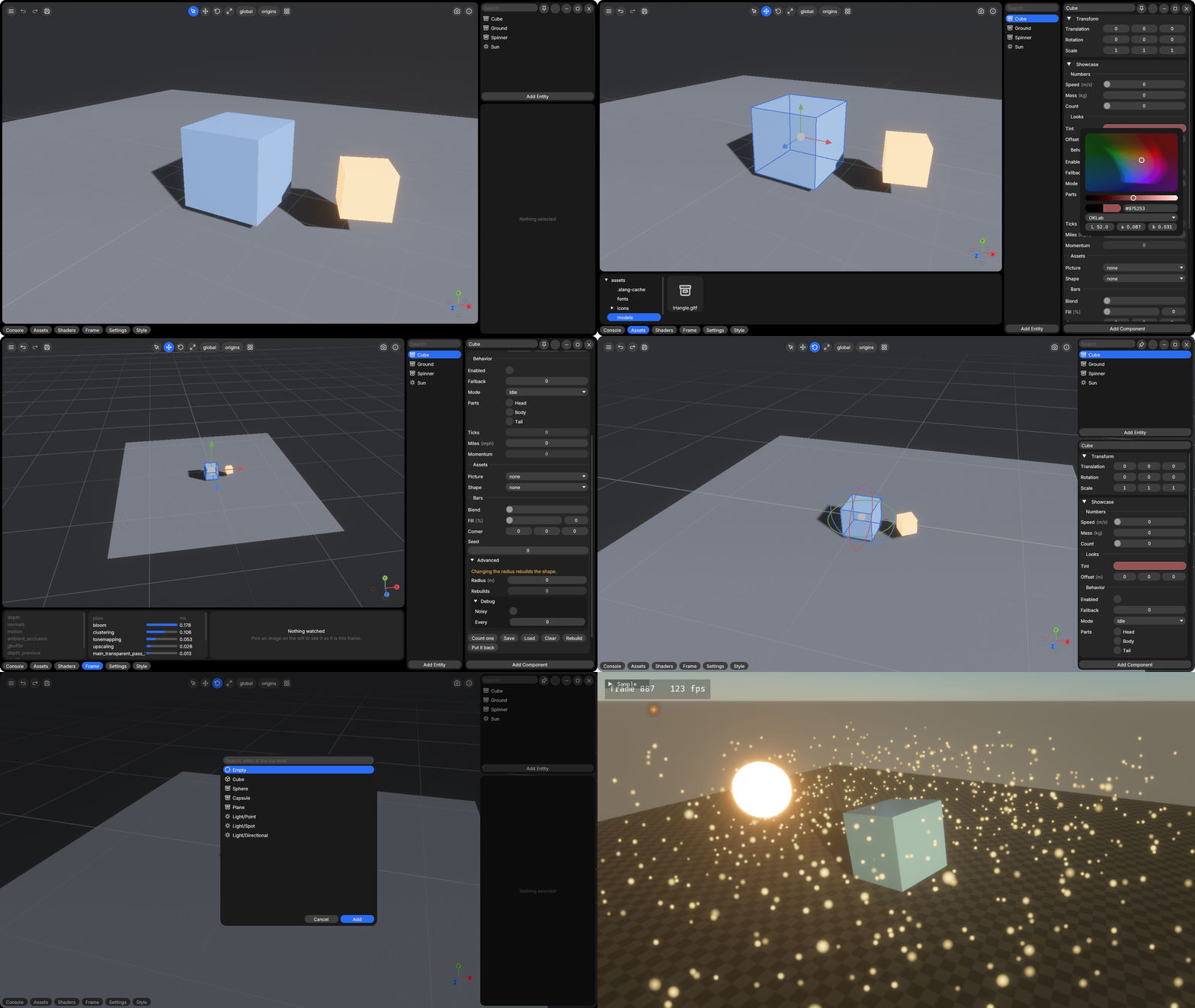
BevyCSharp.Editor, dotnet run --project BevyCSharp.Editor
</div>
Mark a struct [Behavior], give it methods with stage attributes, and a Roslyn source generator
registers it with Bevy's schedule, as a component and a system at the same time. Bevy is the engine
underneath, with its ECS, its scheduler, its timing, its input and its renderer.
using Bevy;

[Behavior]
public partial struct Spin
{
    [Range(0f, 5f)] public float Speed;
    private float _angle;

    // A static method is one plain system
    [OnStartup]
    public static void Scene(BehaviorContext ctx)
    {
        ctx.Ecs.Add(Render.SpawnCamera3d(), Transform.LookingAt(new Vec3(3f, 3f, 5f), Vec3.Zero, Vec3.UnitY));
        Render.SpawnLight(LightKind.Directional, 10_000f);

        var cube = ctx.Ecs.Spawn();
        ctx.Ecs.Add(cube, new Spin { Speed = 1.2f });
        Render.SetMesh(ctx.Ecs, cube, Render.CreateMesh(MeshShape.Cuboid, 1f, 1f, 1f));
        Render.SetMaterial(ctx.Ecs, cube, Render.CreateMaterial(0.25f, 0.55f, 0.85f));
    }

    // An instance method runs once per entity that has one, handed the entity's transform
    [OnUpdate]
    public void Tick(BehaviorContext ctx, ref Transform transform)
    {
        _angle += Speed * ctx.Time.Delta;
        transform.Rotation = Quat.FromAxisAngle(Vec3.UnitY, _angle);
    }
}
In Program.cs
using Bevy;

BevyApp.Run();
Behaviors are discovered automatically, so a consuming project needs no registration code.
This is Bevy, run unchanged underneath, so what a game draws and how its systems are scheduled are Bevy's. What it adds is C#, behaviors reloaded while the game runs, an editor, scene files and saves, physics, and a package with no Rust in it. What it costs is a call across to the bridge each time C# reaches Bevy, and only what the bridge has opened, which reaches two thirds of the Bevy examples about a game rather than Rust. Compared with Bevy has each, with what was measured.
Contents
- Examples
- Install
- Guide
- Controlling a running app
- Status and limitations
- Building from source
- Contributing
- License
Examples
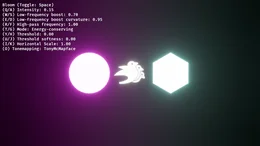
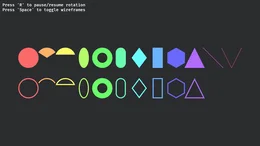
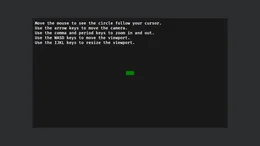
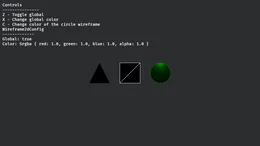
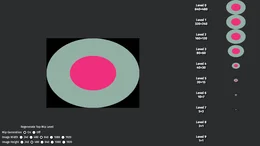
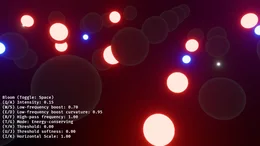
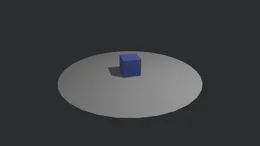
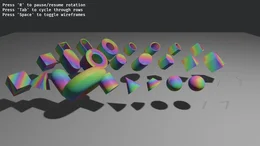
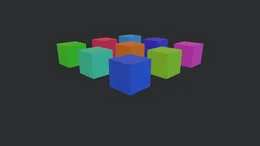
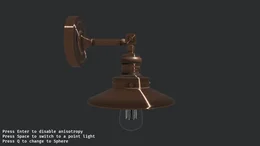
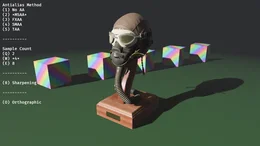
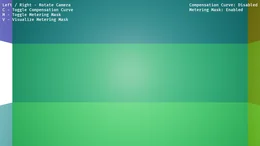
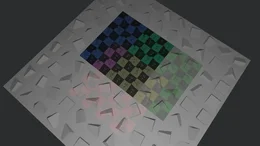
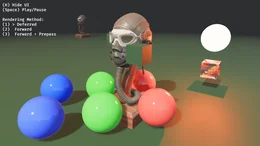
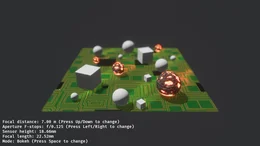
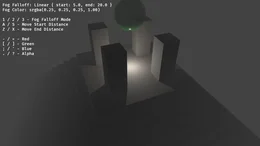
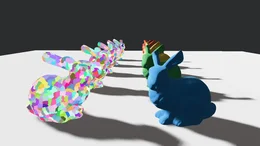
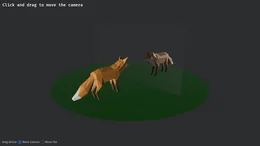
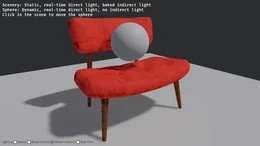
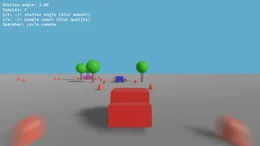
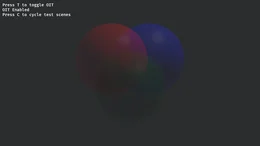
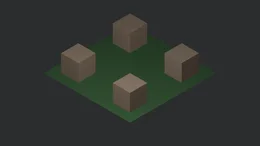
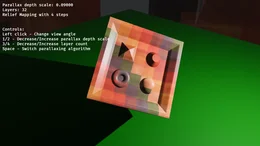
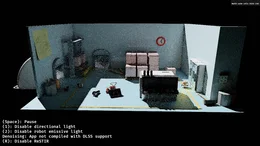
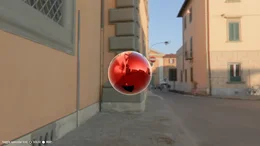
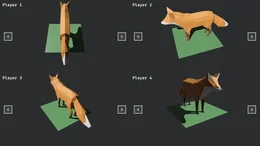
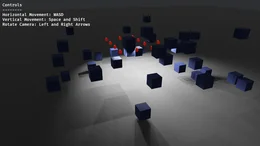
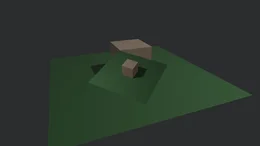
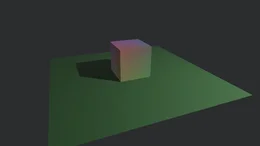
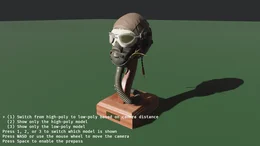
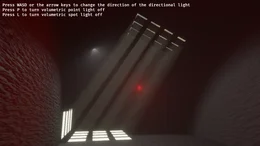
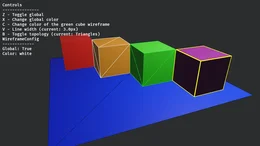
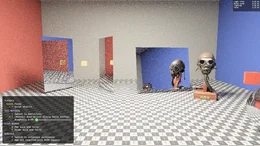
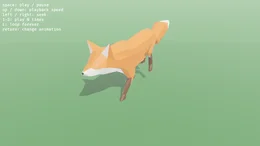
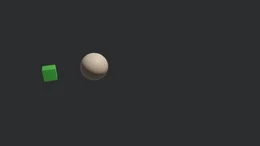
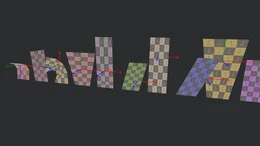
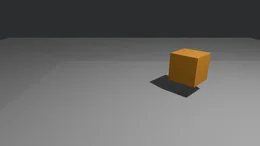
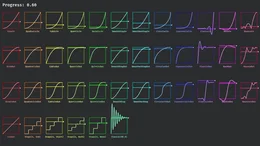
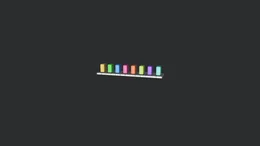
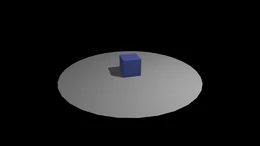
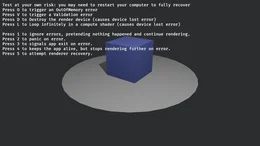
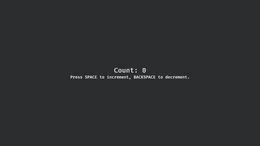
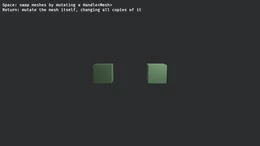
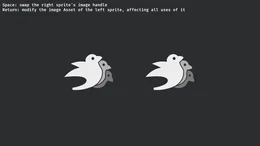
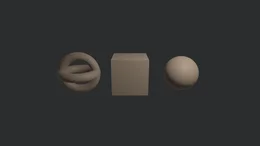
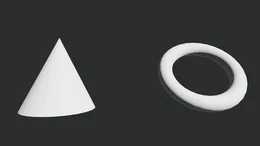
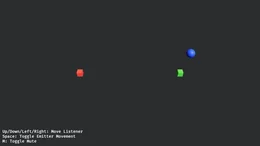
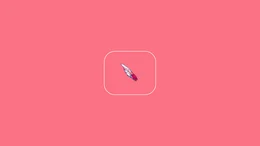
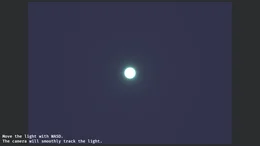
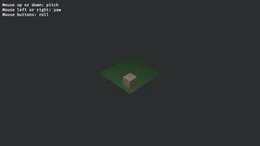
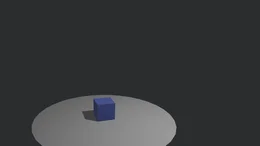
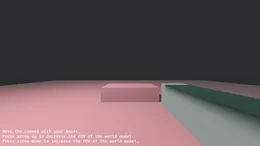
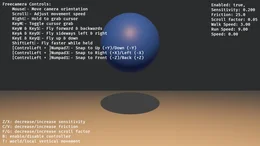
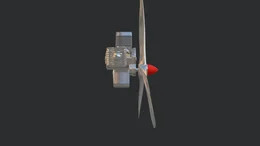
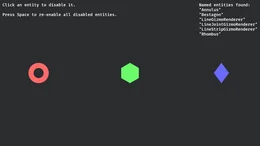
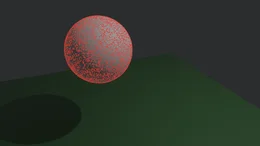
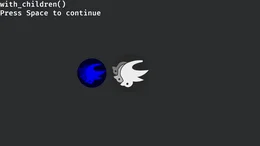
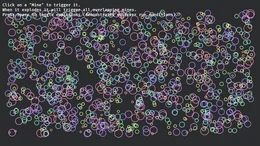
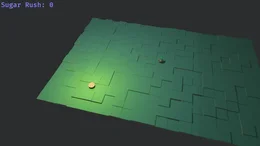
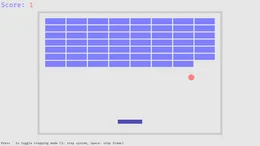
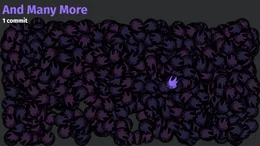
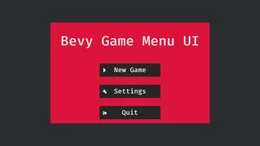
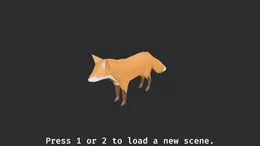
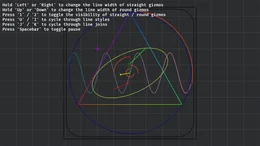
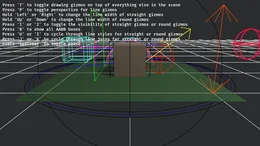
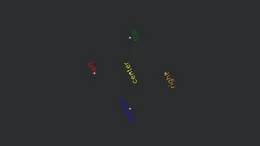
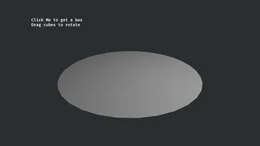
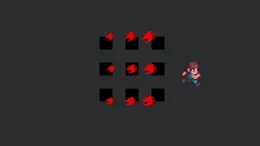
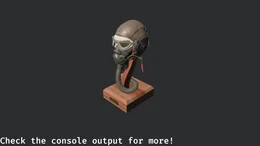
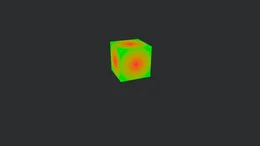
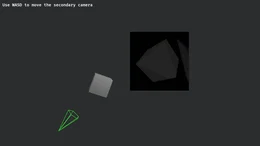
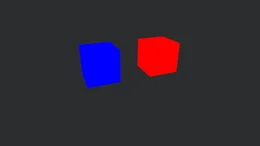
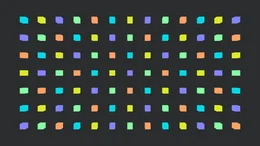
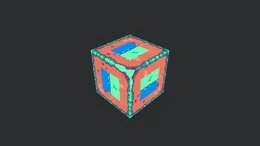
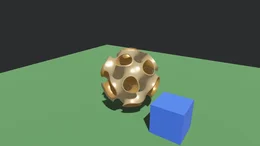
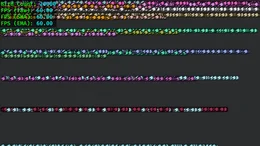
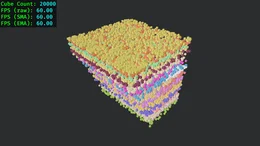
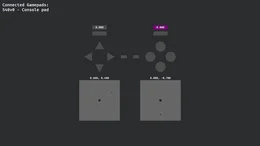
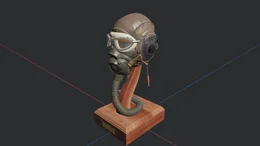
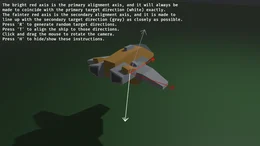
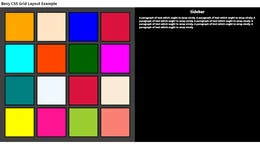
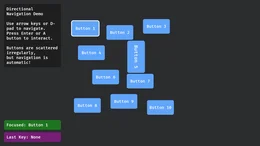
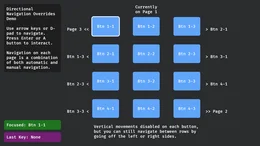
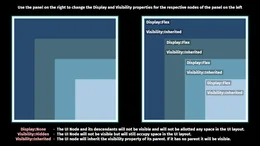
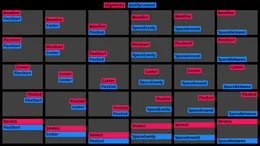
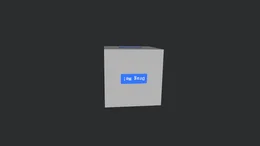
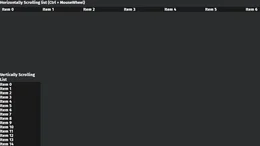
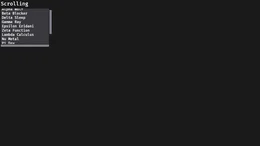
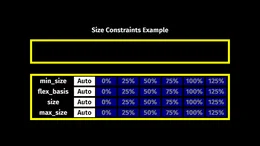
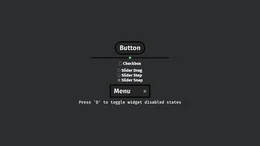
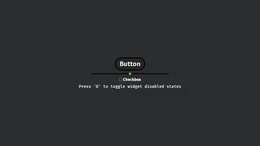
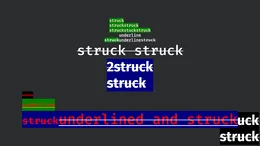
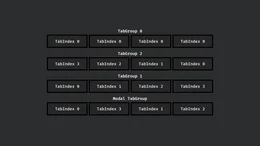
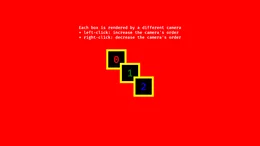
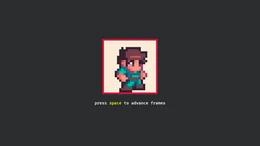
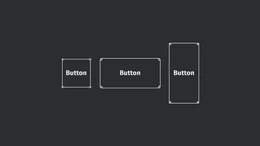
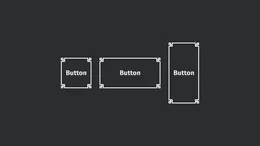
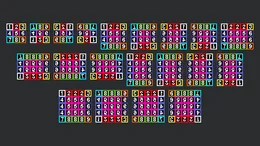
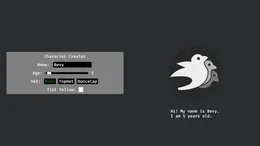
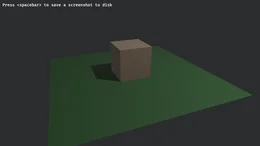
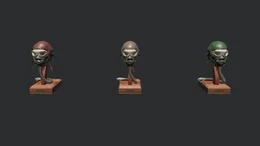
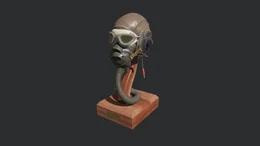
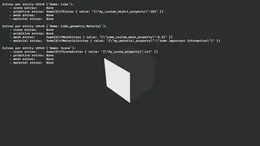
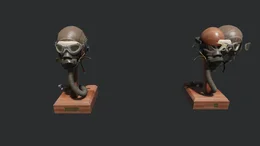
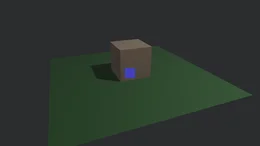
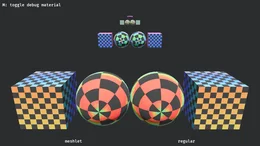
Bevy's own examples are written in C# under Bevy's names in BevyCSharp.Examples, each opened by
name and captured beside Bevy's picture of it, and EXAMPLES.md has a
row for every one of Bevy's, saying whether it is written, can be, or waits on something the bridge
lacks. A picture opens the C# program that drew it. A group's heading counts the examples of
Bevy's group written here, and one that prints rather than draws is in EXAMPLES.md rather than in
the row.
Of Bevy's 438 examples, 373 are written in C# here and 0 more in part, 0 more can be with what is bridged, 3 wait on something the bridge lacks, 2 are declined and 60 are about Rust itself (EXAMPLES.md).
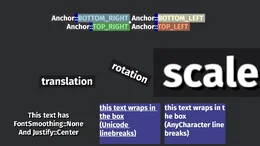
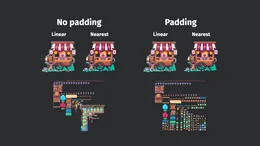
2D Rendering, 28 of 29









3D Rendering, all 68


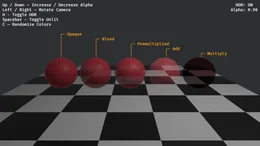
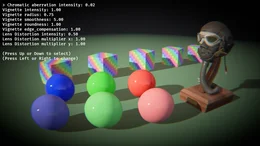
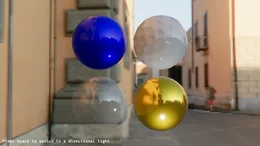
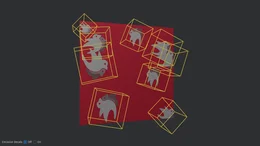
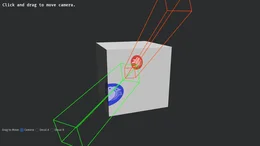
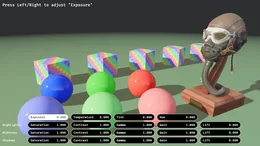
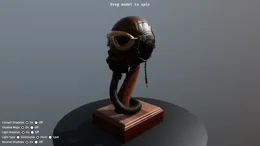

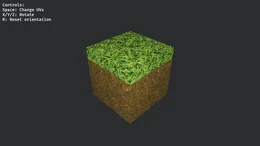
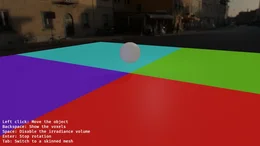
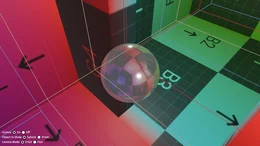
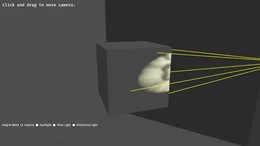
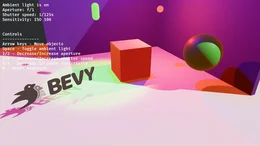
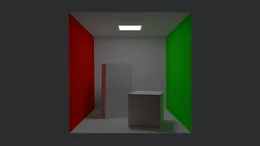
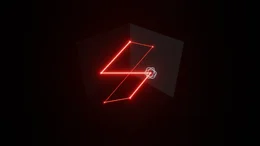

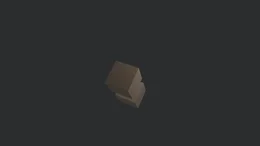

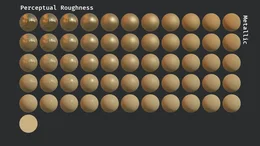
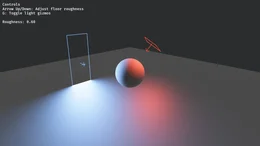
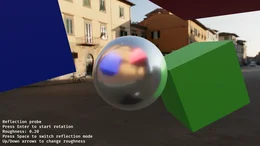
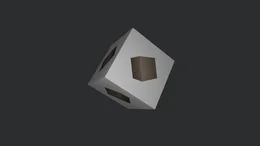

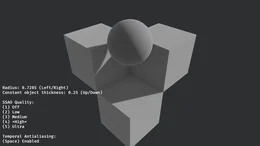


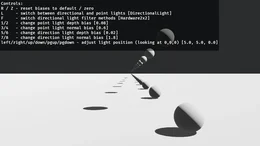
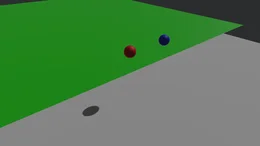


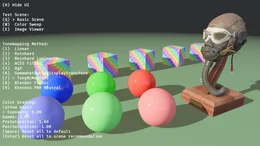
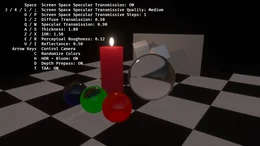
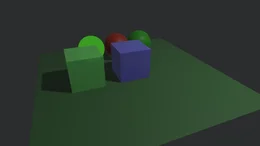
Animation, all 13



Application, 12 of 19
 |
 |
 |
 |
 |
 |
 |
|---|---|---|---|---|---|---|
drag_and_drop |
empty_defaults |
headless_renderer |
logs |
render_recovery |
persisting_window_settings |
settings |
Assets, 11 of 18
 |
 |
 |
 |
 |
 |
 |
 |
 |
 |
|---|---|---|---|---|---|---|---|---|---|
alter_mesh |
alter_sprite |
asset_loading |
asset_settings |
embedded_asset |
extra_asset_source |
generated_assets |
hot_asset_reloading |
multi_asset_sync |
repeated_texture |
Async Tasks, all 3
 |
 |
 |
|---|---|---|
async_channel_pattern |
async_compute |
external_source_external_thread |
Audio, all 8
 |
 |
 |
 |
 |
 |
 |
 |
|---|---|---|---|---|---|---|---|
audio |
audio_control |
decodable |
pitch |
play_sound_effect |
soundtrack |
spatial_audio_2d |
spatial_audio_3d |
Camera, all 12

Dev tools, 2 of 3
 |
 |
|---|---|
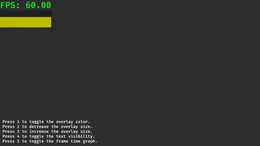
fps_overlay |
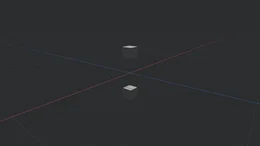
infinite_grid |
Diagnostics, all 3
 |
|---|
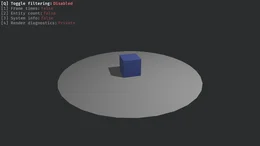
log_diagnostics |
ECS (Entity Component System), 26 of 35
 |
 |
 |
 |
 |
 |
 |
 |
 |
 |
 |
|---|---|---|---|---|---|---|---|---|---|---|
delayed_commands |
entity_disabling |
error_handling |
hierarchy |
hotpatching_systems |
iter_combinations |
observers |
one_shot_systems |
parallel_query |
removal_detection |
state_scoped |
Games, all 7
 |
 |
 |
 |
 |
 |
 |
|---|---|---|---|---|---|---|
alien_cake_addict |
breakout |
contributors |
desk_toy |
game_menu |
loading_screen |
mines |
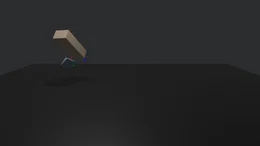
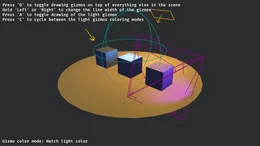
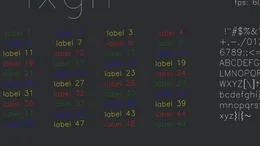
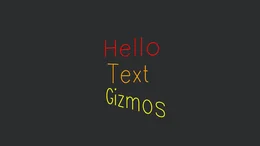
Gizmos, all 9
 |
 |
 |
 |
 |
 |
 |
 |
 |
|---|---|---|---|---|---|---|---|---|
2d_gizmos |
3d_gizmos |
anchored_text_gizmos |
axes |
light_gizmos |
2d_text_gizmos |
3d_text_gizmos |
text_gizmos_font |
transform_gizmo |
Input, all 12
 |
|---|
mouse_grab |
Math, 5 of 6
 |
 |
 |
 |
 |
|---|---|---|---|---|
bounding_2d |
cubic_splines |
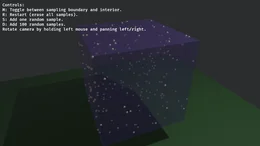
random_sampling |
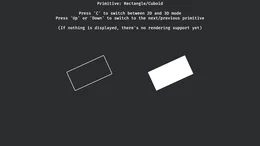
render_primitives |
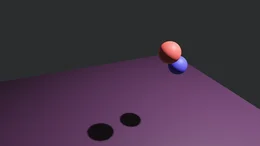
smooth_follow |
Movement, 1 of 1
 |
|---|
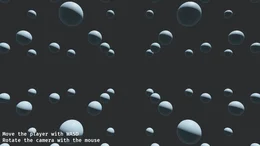
physics_in_fixed_timestep |
Picking, 6 of 7
 |
 |
 |
 |
 |
 |
|---|---|---|---|---|---|
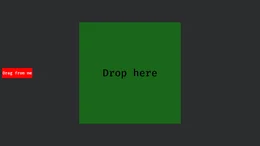
dragdrop_picking |
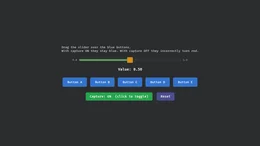
draggable_slider |
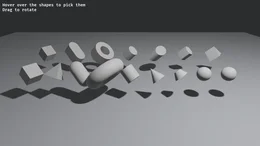
mesh_picking |
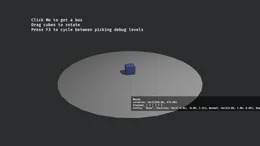
debug_picking |
simple_picking |
sprite_picking |
Scene, 1 of 2
 |
|---|
world_serialization |
Shaders, 24 of 27
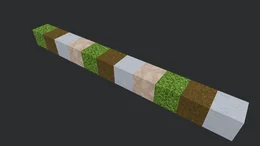
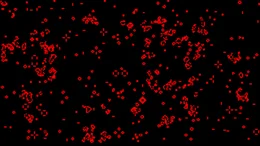
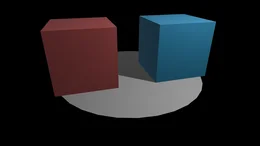

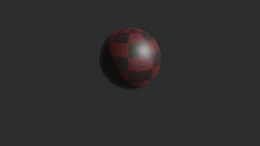

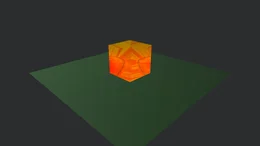
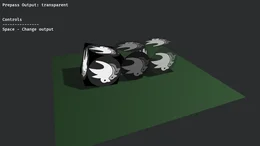
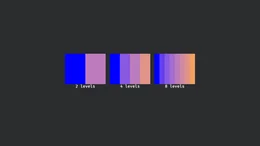
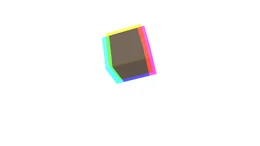

Shaders Advanced, 3 of 4
 |
 |
 |
|---|---|---|
deferred_raymarch |
fullscreen_material |
mesh_shader_intro |
State, all 4
 |
 |
 |
 |
|---|---|---|---|
computed_states |
custom_transitions |
states |
sub_states |
Stress Tests, 19 of 20
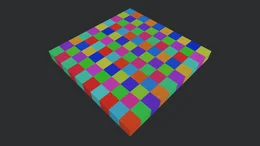

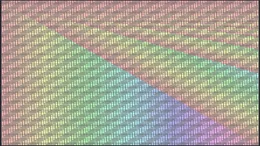
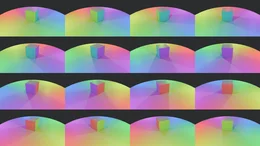

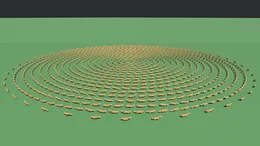




Time, 2 of 3
 |
|---|
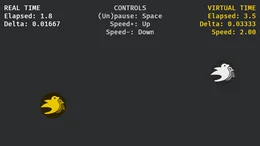
virtual_time |
Tools, all 2
 |
 |
|---|---|
gamepad_viewer |
scene_viewer |
Transforms, all 5
 |
 |
 |
 |
 |
|---|---|---|---|---|
3d_rotation |
align |
scale |
transform |
translation |
UI (User Interface), 62 of 65



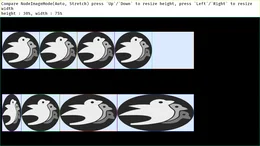
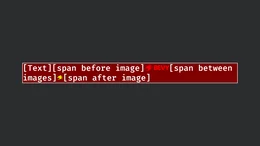
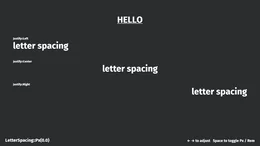
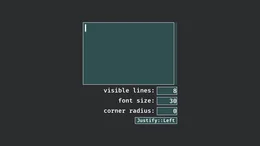



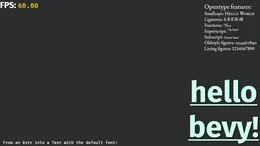
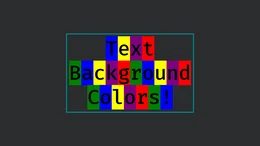
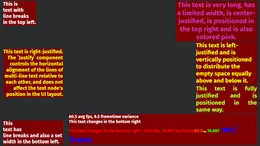

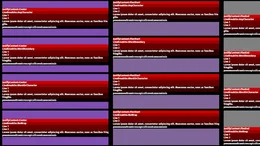

Usage, all 4
 |
 |
 |
 |
|---|---|---|---|
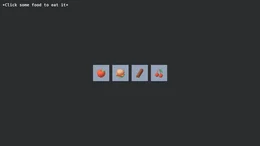
character_creation |
context_menu |
cooldown |
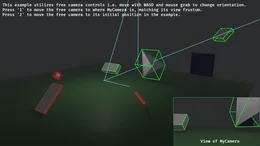
debug_frustum_culling |
Window, all 11
 |
 |
 |
 |
 |
 |
 |
 |
 |
 |
 |
|---|---|---|---|---|---|---|---|---|---|---|
clear_color |
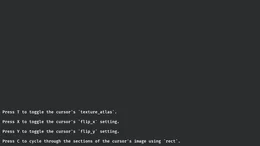
custom_cursor_image |
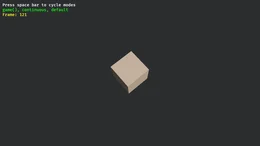
low_power |
monitor_info |
multiple_windows |
scale_factor_override |
screenshot |
transparent_window |
window_drag_move |
window_resizing |
window_settings |
glTF, 6 of 9
 |
 |
 |
 |
 |
 |
|---|---|---|---|---|---|
edit_material_on_gltf |
load_gltf |
load_gltf_extras |
query_gltf_primitives |
update_gltf_scene |
gltf_skinned_mesh |
Kept out of Bevy's list, 4 of 14
 |
 |
 |
|---|---|---|
minimizing |
resizing |
test_meshlet |
dotnet run --project BevyCSharp.Examples -- 3d_scene
./bcs open --example lighting --offscreen     # serving, for ./bcs to control and capture
Install
dotnet new install BevyCSharp.Templates
dotnet new bevycsharp -o MyGame && cd MyGame
dotnet run
The template makes the program above, Spin.cs and Program.cs, in a project asking for the
package of the template's own version, and dotnet run opens its window. The package carries the
managed library, the source generator and a prebuilt bridge per platform, and any other project
takes it with dotnet add package BevyCSharp.
On Linux the bridge's audio links ALSA, so the bridge needs ALSA's library to load, libasound2
(libasound2t64 on Ubuntu 24.04 and Debian 13) or alsa-lib on Fedora and Arch, which a desktop
has and a container usually does not, and drawing needs a Vulkan driver. Where there is no display,
as in a container or on a build server, BCS_OFFSCREEN=1 draws into an image instead of a window
and BCS_FRAMES ends the run after that many frames. Mesa's software Vulkan (mesa-vulkan-drivers)
draws where there is no graphics card:
BCS_OFFSCREEN=1 BCS_FRAMES=120 dotnet run
The pack run follows these steps in a container holding the .NET SDK and the two packages alone.
Guide
The guide in docs/ is for somebody using the engine, a page an area. Everything in
it is Bevy's own, bridged rather than reimplemented, so a Transform written from C# is the
transform the renderer reads and a sound played from C# is an entity in the same world.
| CHEATSHEET.md | Every public method of the library on one line, grouped as the pages are |
| A first game | A small game made from an empty folder, a step at a time |
| Behaviors | Systems and components, stages, the fixed timestep, filters, conditions and threads |
| States | A game's modes, systems scoped to them, and code run as they change |
| Messages and the hierarchy | One system telling another, code run the moment something happens, and entities parented |
| Components | Bevy's components from C#, the rest through reflection, lists and maps, visibility |
| Scenes and saves | Data assets, scene files, instances, saved games and types that change |
| Assets and models | Loading from a folder, an assembly or a pack, and glTF models |
| Drawing | Meshes and materials made in code, and meshlets |
| Materials and textures | Bevy's physically based material and its images |
| Shaders | Materials and passes written in Slang, compiled and reloaded as the game runs |
| Compute | Compute shaders on their own and on a camera |
| Cameras and light | Cameras, shadows, the picture a camera makes and its lens |
| Reflections and the sky | Screen-space and probe reflections, the sky and light probes |
| Ray tracing | Bevy's ray-traced lighting and rays traced by a game |
| Images and the window | Drawing into an image, and the window |
| 2D | Sprites and flat cameras |
| Gizmos | Lines and shapes drawn for a frame |
| The interface | Bevy's nodes and text, and Dear ImGui for tools |
| Audio | Sounds and music, placed and mixed |
| Physics | Bodies, colliders, joints, contacts and characters over BepuPhysics |
| Input | Typed text, the input method, touches and gamepads |
| Math | Shapes as values, points sampled in them, bounding volumes and casts, and cubic curves |
| Running a game | In a window, headless or offscreen, and behaviors reloaded while it runs |
| Making a game | Courtyard, a small game from an empty project to an export |
| The tools | The editor, its console, and controlling a running app |
| How it works | Inside, between C# and Bevy |
| Compared with Bevy | What is the same, what it adds, what it costs, and what was measured |
Controlling a running app
./bcs controls a running app from a terminal, the editor, a game or an example, answering in JSON,
which is how a change is checked without a person at the window:
./bcs open --editor --offscreen        # start one, detached, with no display needed
./bcs command entity.set Cube Transform.Translation 0,2.5,0
./bcs command input.hold W,D 12        # keys held for twelve frames, inside the app
./bcs shot after.png                   # the next frame, as a PNG
./bcs stop
A game adds commands of its own with [Command] on a static method, and
the tools page has the rest.
Status and limitations
Early. The behavior system, the ECS bridge and the schedule work and are covered by tests that run against a real Bevy app. Bevy's own examples are the measure of how much of it is reached, and how many of them are written stands under Examples.
Known gaps:
- A locally built package contains only the platform you built it on. Use the pack workflow, or
run
build-native.shon each target platform, to produce a package covering all of them. - A render build draws. Mesh primitives, textured physically based materials, cameras, lights,
sprites, gizmos, UI nodes and text are reachable from a behavior script, verified on Vulkan. glTF
files and
.scnscenes load and spawn, audio plays, and a camera tonemaps, blooms, multisamples, antialiases, scatters a sky over what it draws, pulls focus and finds its own exposure. What is thin is the layer above that. A model's clips play one at a time, sprites step through no frames of their own, and a compressed texture a desktop GPU cannot decode is not transcoded. .github/TODO.md lists what each gap needs. - The library compiles no C# at runtime, so a game carries no compiler. Behavior scripts loaded
while an app runs go through
BevyCSharp.Scripting, which the editor and the player reference and a game references only if it loads scripts itself, overApp.EnableDynamicSystemsandApp.RemoveSystemsBySource. - The editor's document is a scene file, with the hierarchy, entity references and Bevy's own
components kept, and primitives and materials made in memory written as how to make them again.
A mesh built vertex by vertex is written as its geometry, and a material can be kept in a
*.material.jsonof its own. .github/SCENES.md has what is left. - Five of Bevy's components are mirrored by hand, and the rest are reached through Bevy's reflection, by type path and JSON or through generated typed wrappers, at the cost of a serialization a call. A component holds a list, inline or in a managed store, and a dictionary in the same store, and shared values live in data assets of their own. .github/COMPONENTS.md plans generated mirrors.
- Component filters must be table-stored components, which is everything C# registers. A filter naming a Bevy-side sparse-set component is rejected rather than silently wrong.
- A cubemap comes from a file, as six square faces in a column, a row or a cross, or from a reflection probe that captures itself. One a game renders into with its own cameras, a layer at a time, has no bridge.
- Slang shaders compile with
slangc, which the build fetches. A machine without it draws what was compiled and cached on one that had it, and cannot compile an edit. - The renderer is open at fewer points than virtualized geometry, texture streaming, screen-space and world-space GI or reflections need. .github/RENDERING.md lists what each of those asks of an engine, what is here, what is missing, and the order it is built in.
Building from source
Using the package needs none of this, since it ships a prebuilt bridge for every supported platform. This is for working on the bridge itself.
build/build-native.sh          # the headless bridge
dotnet build                   # what copies it beside each project's binaries
dotnet test BevyCSharp.Tests/BevyCSharp.Tests.csproj
The two halves are built separately, and a rebuilt bridge is invisible until a managed build copies
it, which is why the second line is not optional. build/build-native.sh --render adds the renderer
and --editor adds the interface on top of it.
.github/BUILDING.md has the rest, the three native profiles and what each costs, the platforms and their prerequisites, how the package is assembled for six runtime identifiers, and how a release is published.
Contributing
Prose in this repository follows .github/STYLE.md, which uses no em dashes, no spaced hyphens as punctuation, no colon inside a running sentence, no padded section banners, and comments that explain why rather than restate the code.
License
Mozilla Public License 2.0. The full text is in LICENSE, and it ships inside the package. So does THIRD-PARTY-NOTICES.md, which names the work of others the package carries, Bevy and every crate the bridge is built from among it, each with its license and the notices its own files give, for a game shipped on the package to carry in turn.
MPL-2.0 is file-level copyleft, meaning changes to files that are part of this project have to stay under it and be made available in source form, while anything you build around it, including a game that references the package, is yours under whatever terms you like. Bevy itself is MIT and Apache-2.0, which this can incorporate freely.
| Product | Versions Compatible and additional computed target framework versions. |
|---|---|
| .NET | net10.0 is compatible. net10.0-android was computed. net10.0-browser was computed. net10.0-ios was computed. net10.0-maccatalyst was computed. net10.0-macos was computed. net10.0-tvos was computed. net10.0-windows was computed. |
-
net10.0
- BepuPhysics (>= 2.5.0-beta.29)
- Twizzle.ImGui-Bundle.NET (>= 1.91.5.2)
NuGet packages
This package is not used by any NuGet packages.
GitHub repositories
This package is not used by any popular GitHub repositories.
| Version | Downloads | Last Updated |
|---|---|---|
| 0.5.193 | 0 | 10/21/2026 |
| 0.5.178 | 0 | 10/20/2026 |
| 0.5.174 | 41 | 10/20/2026 |
| 0.5.149 | 49 | 10/20/2026 |
| 0.5.120 | 54 | 10/19/2026 |
| 0.5.105 | 52 | 10/18/2026 |
| 0.4.129 | 63 | 10/7/2026 |
| 0.3.2 | 74 | 10/4/2026 |
| 0.2.277 | 72 | 9/27/2026 |
| 0.1.200 | 105 | 9/20/2026 |
| 0.1.130 | 136 | 9/5/2026 |
| 0.1.88 | 125 | 9/4/2026 |
| 0.1.69 | 123 | 8/31/2026 |
| 0.1.32 | 122 | 8/30/2026 |
| 0.1.20 | 129 | 8/30/2026 |
| 0.1.18 | 125 | 8/30/2026 |
Bevy's dfg_lut is on in the render profile with the lock unchanged, so every bridge lights a standard material's specular term from the same table, eleven pictures taken again moved by at most 711 pixels, and a game on the package is lit a little otherwise than before.
The test of every reflected layout leaves out a type the running bridge does not register, as a bridge built without Solari answers for its path tracer, and still asks more than a hundred layouts read, so it passes on a render bridge as on the editor one.
A commit whose every file lies under .github is left out of the release notes, since the package carries nothing from there, so the review's records and the workflows' changes stay out of a package's notes.
The held clock's load test paces its frames at sixty a second for as long as ten seconds and ends three frames after the load, since the load runs on Bevy's threads in the machine's time, which twenty seven frames as fast as they ran did not reach on a macOS runner.
A test folder whose delete Windows refuses clears the read-only mark git puts on each object it writes and tries again, so the release notes tests' repositories are swept on Windows as on Linux and macOS.
The held clock's server test reads each frame's time once the app has stopped, since the server answers in a frame's first stage before that frame's update keeps its time, which a slow runner read too early and which one core gave in 18 runs of 20.
The release notes are the commits since the package nuget.org lists last was built, the nuspec of the latest of the minor naming that commit, and the minor's commits where the feed names none of this history, which build/release-notes.py says in the pack step and its summary.
The README's centered block carries five banners in 3DEngine's colors, .NET 10.0, wgpu over Vulkan, DX12 and Metal, winit, Slang and Early, as Markdown pictures that GitHub and nuget.org both draw.
The review's commit ee38a573, pushed with its sentence in the subject line, goes on N 7.2's list with its fault, and the review says so.
The README's head is one centered block of Markdown and its gallery Markdown tables of the captures made small, which build/examples-table.py writes into .github/assets/gallery, so nuget.org draws the caption and the pictures where it printed their HTML as text.
The bridge holds a set clock still while an asset the app asked for is loading and between the commands of a session served to bcs, so frames.wait, input.hold and a shot at a frame count only the frames it moved in, the captures hold it for loads and are taken again, animated_mesh_control and many_foxes leave the differ list, and the drive holds it between commands and reads the platform and the elevator after a set count of frames.
Time.Provider is the game's clock as a TimeProvider whose timers fire from the frame loop, and async_channel_pattern and async_compute wait on it with their waits seeded under the workflow, so their captures match on every device and leave the differ list.