Diplo.GodMode
17.3.0
dotnet add package Diplo.GodMode --version 17.3.0
NuGet\Install-Package Diplo.GodMode -Version 17.3.0
<PackageReference Include="Diplo.GodMode" Version="17.3.0" />
<PackageVersion Include="Diplo.GodMode" Version="17.3.0" />
<PackageReference Include="Diplo.GodMode" />
paket add Diplo.GodMode --version 17.3.0
#r "nuget: Diplo.GodMode, 17.3.0"
#:package Diplo.GodMode@17.3.0
#addin nuget:?package=Diplo.GodMode&version=17.3.0
#tool nuget:?package=Diplo.GodMode&version=17.3.0
Diplo God Mode
Diplo God Mode makes Umbraco developers invincible!
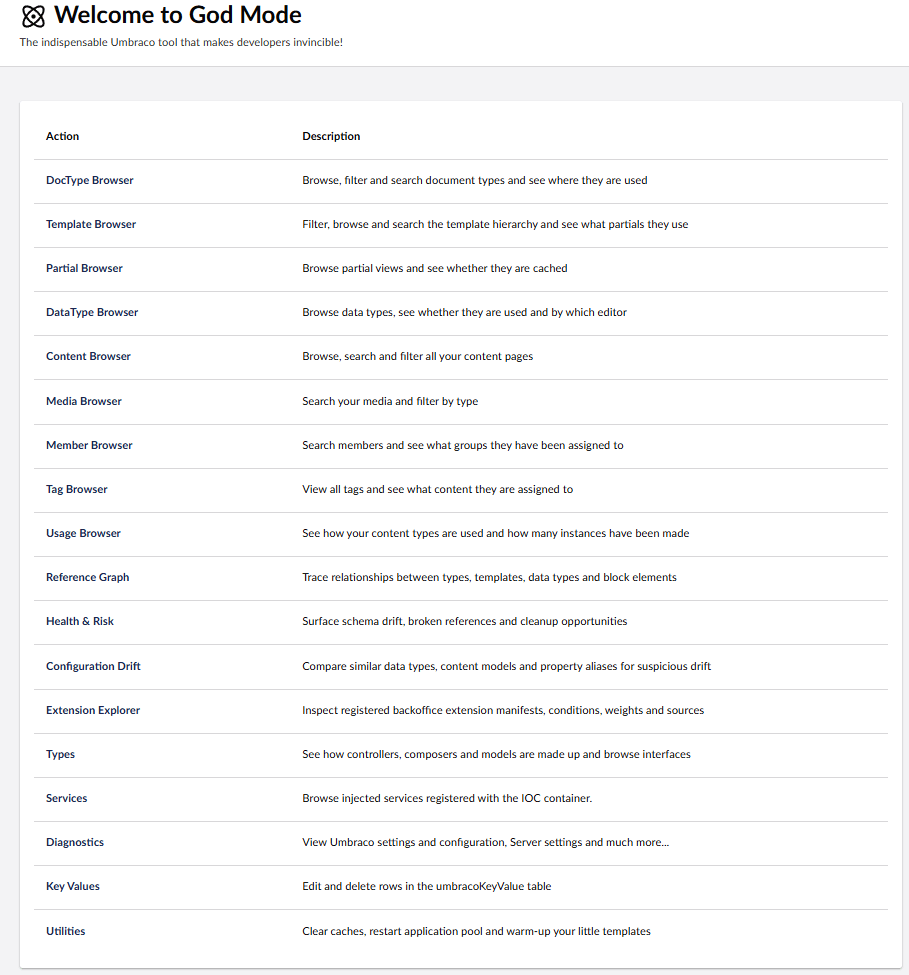
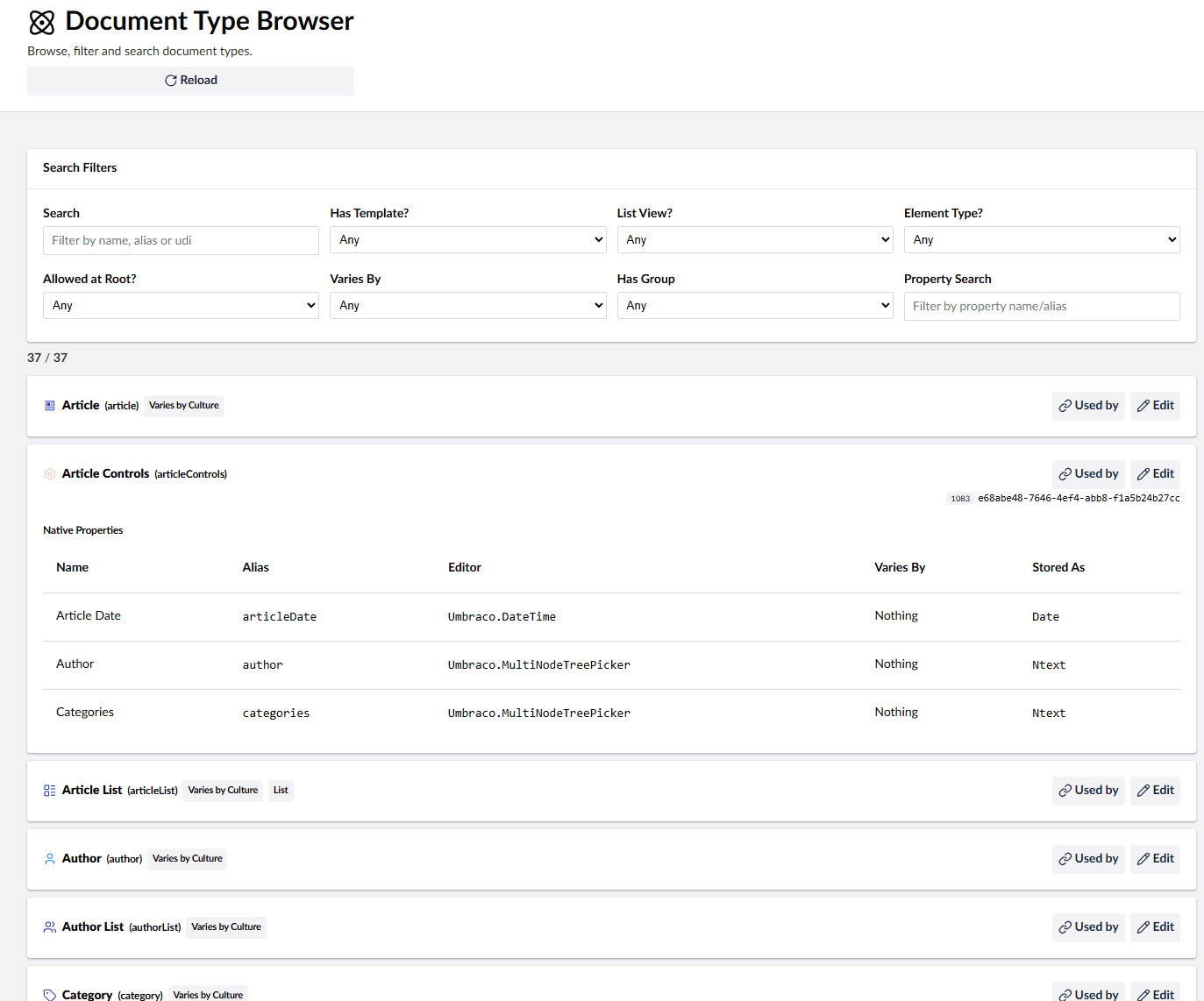
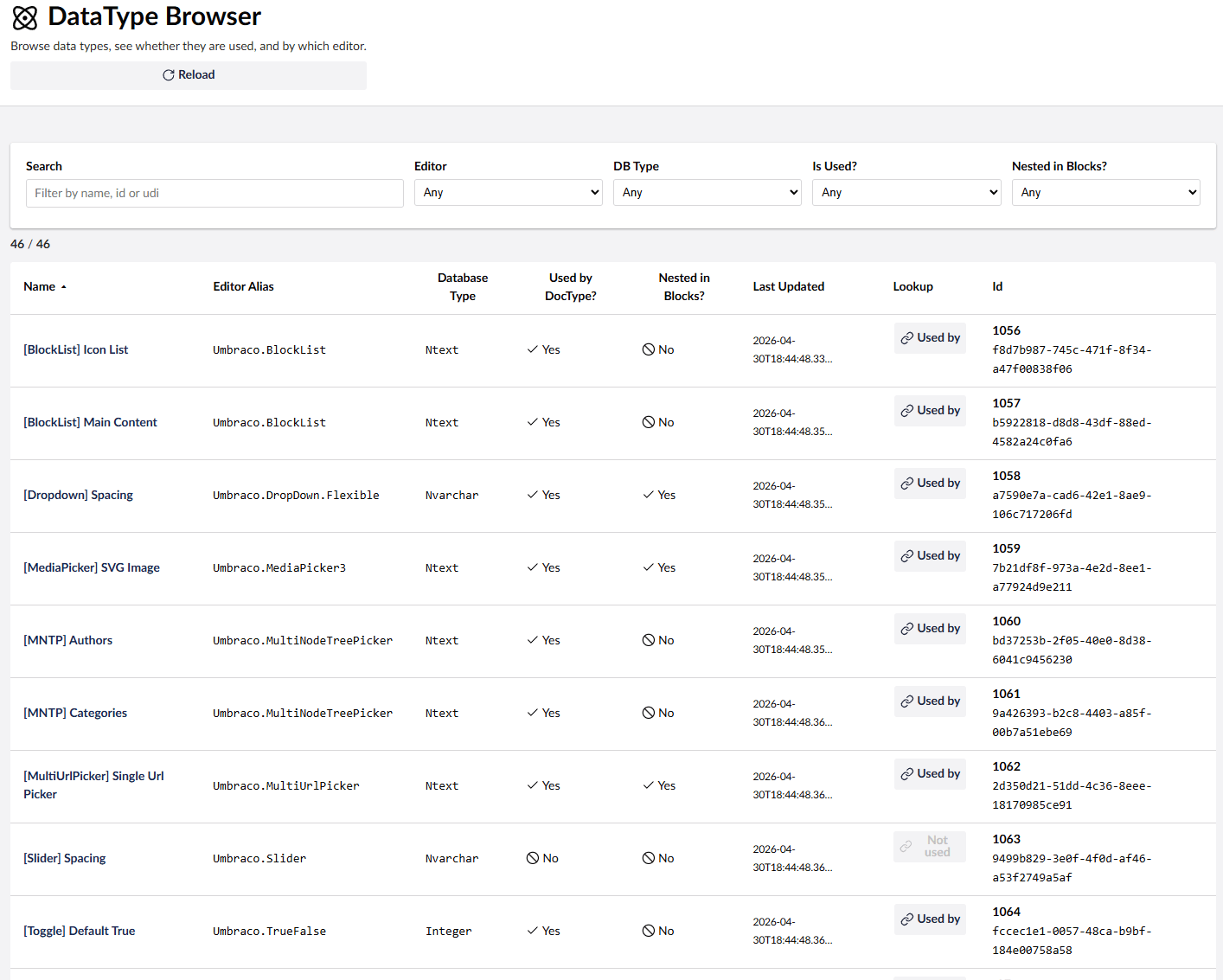
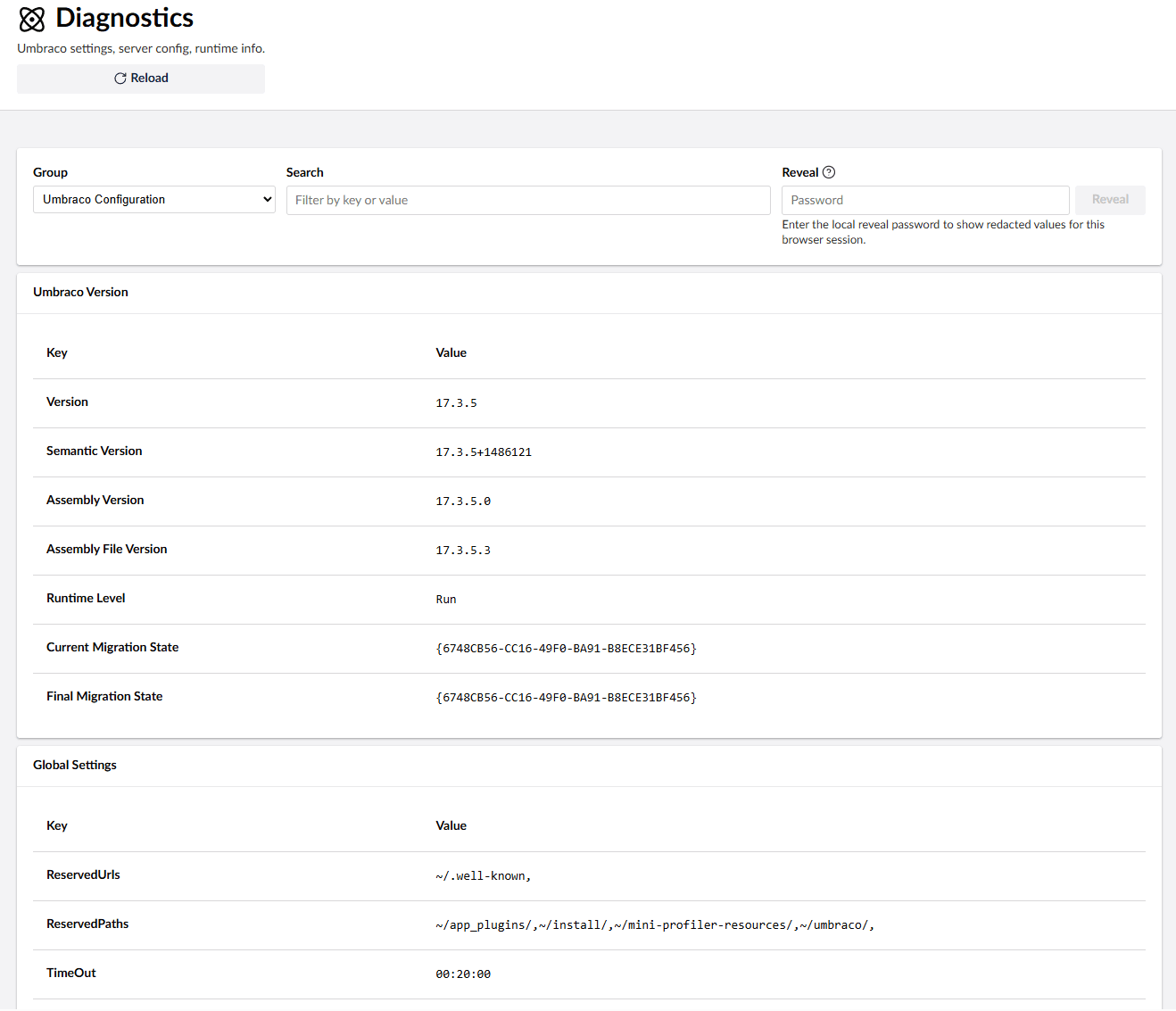
Diplo God Mode adds a developer-focused tree to the Settings section of Umbraco 17. It helps you inspect, search, and understand the structure of an Umbraco site from inside the backoffice, including document types, compositions, templates, partial views, data types, property editors, media, members, tags, custom controllers, registered services, generated models, diagnostics, and configuration.
If Umbraco is an Allen key then God Mode is the swiss army knife that helps you get under the hood and understand how things are working, find issues, and speed up development.
Now with optional God Mode AI add-on for contextual explanations powered by Umbraco.AI.
This 17.x package is the Umbraco 17 / .NET 10 version and has been rebuilt for the modern Umbraco backoffice with Lit, TypeScript, Vite, and Umbraco extension manifests.
Release Notes
17.3.0
- Adds asynchronous Overview release checks for Umbraco and God Mode, showing the latest stable versions in each running major and the number of newer listed releases, with shared helpers, independent caches and graceful handling of unavailable NuGet access. Set
GodMode:EnableReleaseChecktofalseto turn off the outbound check. - Adds a Scheduled Publishing view listing pending publish and unpublish schedules, overdue items, publishing suspension, Umbraco 17 background jobs and registered servers (thanks @suedeapple).
- Adds server time zone information to the Overview, including a Time Zone card, live server, UTC and browser clocks, clock drift, the next daylight saving change and the Umbraco 17 system-date migration settings with on-demand evidence.
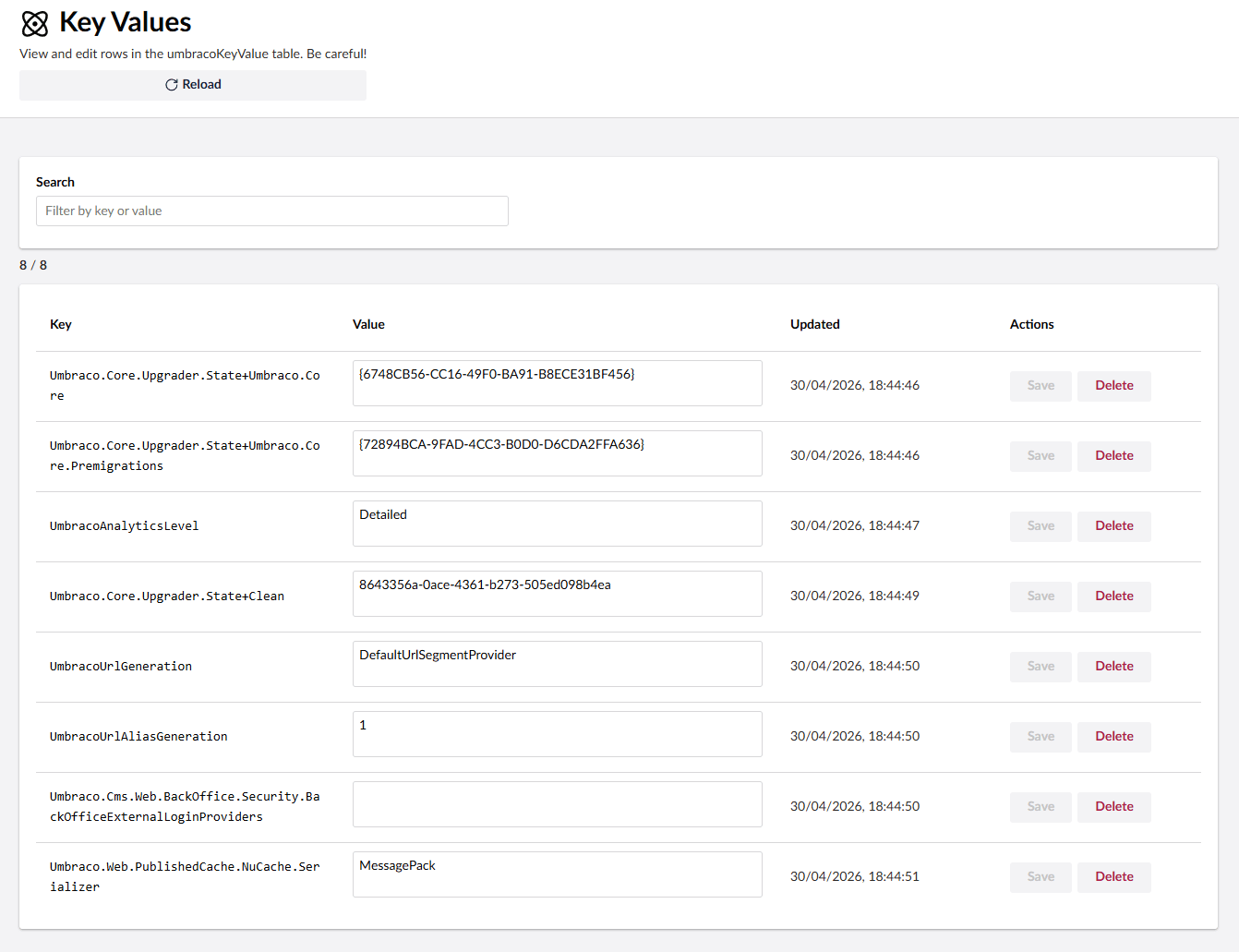
- Adds a Local / Server / UTC date display switch, remembered per browser, across the content, media, member, data type, key/value, NuGet and log views. God Mode API dates are now sent as UTC.
- Adds Date & Time and UTC System Date Migration sections to Diagnostics, and Health & Risk rules for time zone, date migration, future-dated rows, overdue schedules, stalled background jobs and stale servers.
- Uptime now uses the real process start time.
- Fixes
FeaturesToHideso hidden features are removed from the God Mode tree as well as the Welcome page. Matching is now case-insensitive, and folders are hidden when listed or when all their features are hidden (#59). - Documents the
AliasesToIgnore,DeliveryApi:SensitiveAliasTermsand God Mode AI settings.
17.2.2
- Fixes the Element Type Usage browser on SQL Server by mapping
nodeObjectTypevalues to their native GUID type during nested inline-block scans. - Adds the required accessible label to the Element Type search input.
17.2.1
- Adds an Element Type Usage browser for stored block occurrences and configuration references across Block List, Block Grid, Rich Text, and single-block editors (thanks Marc Goodson).
- Detects Element Types nested inside Rich Text properties at any nesting depth, while keeping top-level, configured, and nested usage counts distinct.
- Includes forward-compatible Umbraco 18 Library Item and Element Picker usage when those features are available.
- Improves reliability across SQL Server and SQLite, correctly counts repeated occurrences, tolerates malformed JSON, adds detailed configuration links, and forces a fresh scan on reload.
- Scopes nested-usage deduplication to the exact property and optimises detail scans to query only the requested Element Type.
17.1.5
- Aligns the GodMode backoffice navigation with core Umbraco conventions, replacing the bespoke root menu element with the standard tree stack (thanks Rick Butterfield),
- Adds more health check coverage and improves the health check browser,
- Log viewer improvements, including better filtering and log level selection,
17.1.4
- Added NuGet package advisory coverage and package list improvements.
- Fixed configuration path handling and added culture hostname warnings.
- Improved pagination, performance, and caching across God Mode views.
17.1.3
- Fixed modal opening feedback for detail and evidence buttons that fetch data before opening their modal.
- Ensures slow Content, Media, Database, Data Type, Health Risk, Configuration Drift, and Type detail actions show progress immediately after click.
17.1.2
UI/UX improvements, including:
- Added visible opening feedback for God Mode modal actions so slow sites no longer appear unresponsive after a click.
- Unified the custom God Mode modal chrome for Used By, Evidence, and AI Explain dialogs.
- Updated paged browsers to use Umbraco's pagination control consistently.
- Moved pagination to the bottom of result lists and fixed spacing between filters and tables in Content, Media, and Member browsers.
Features
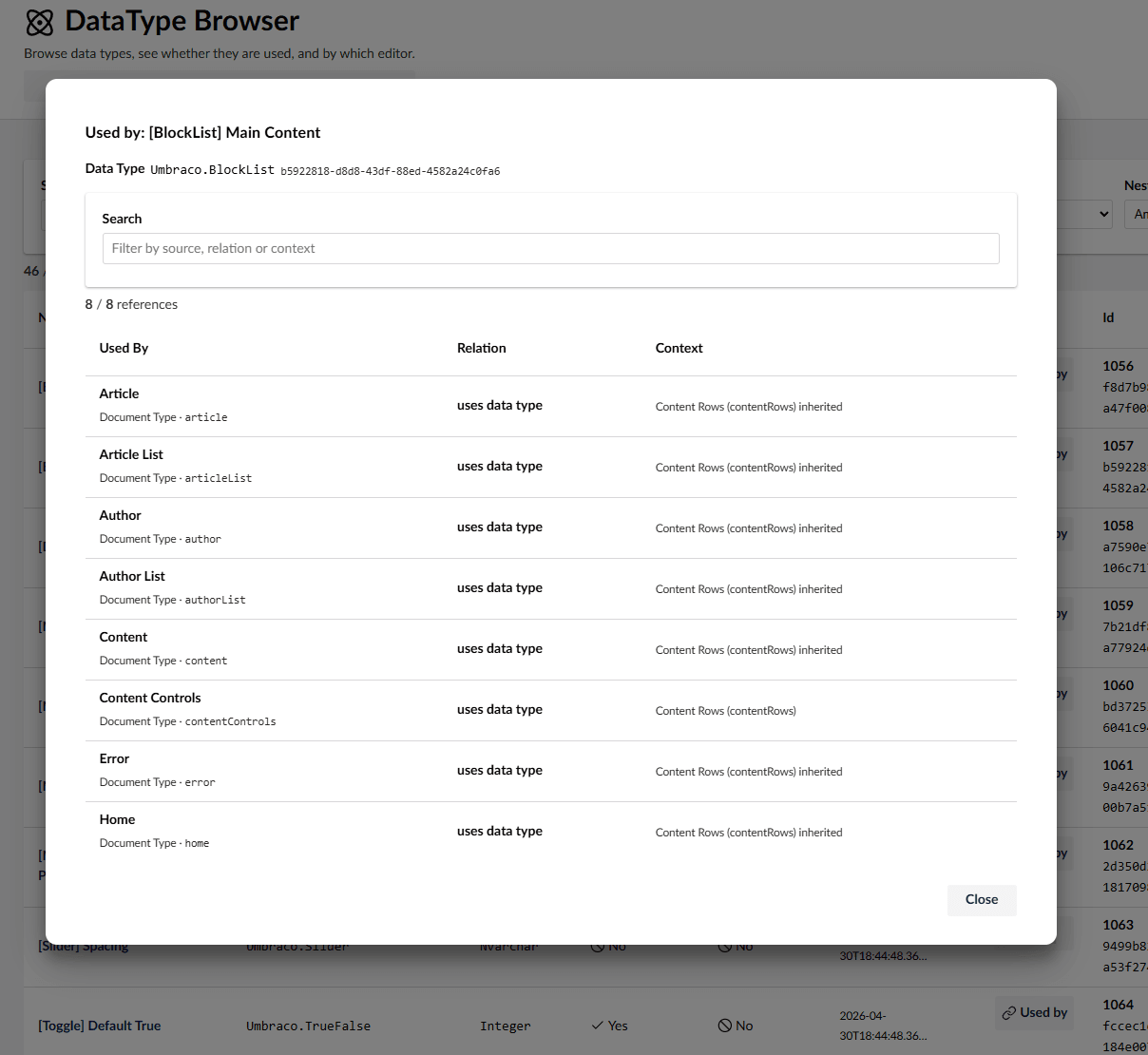
- Quickly search document types, templates, editors, media, content, members, and tags.
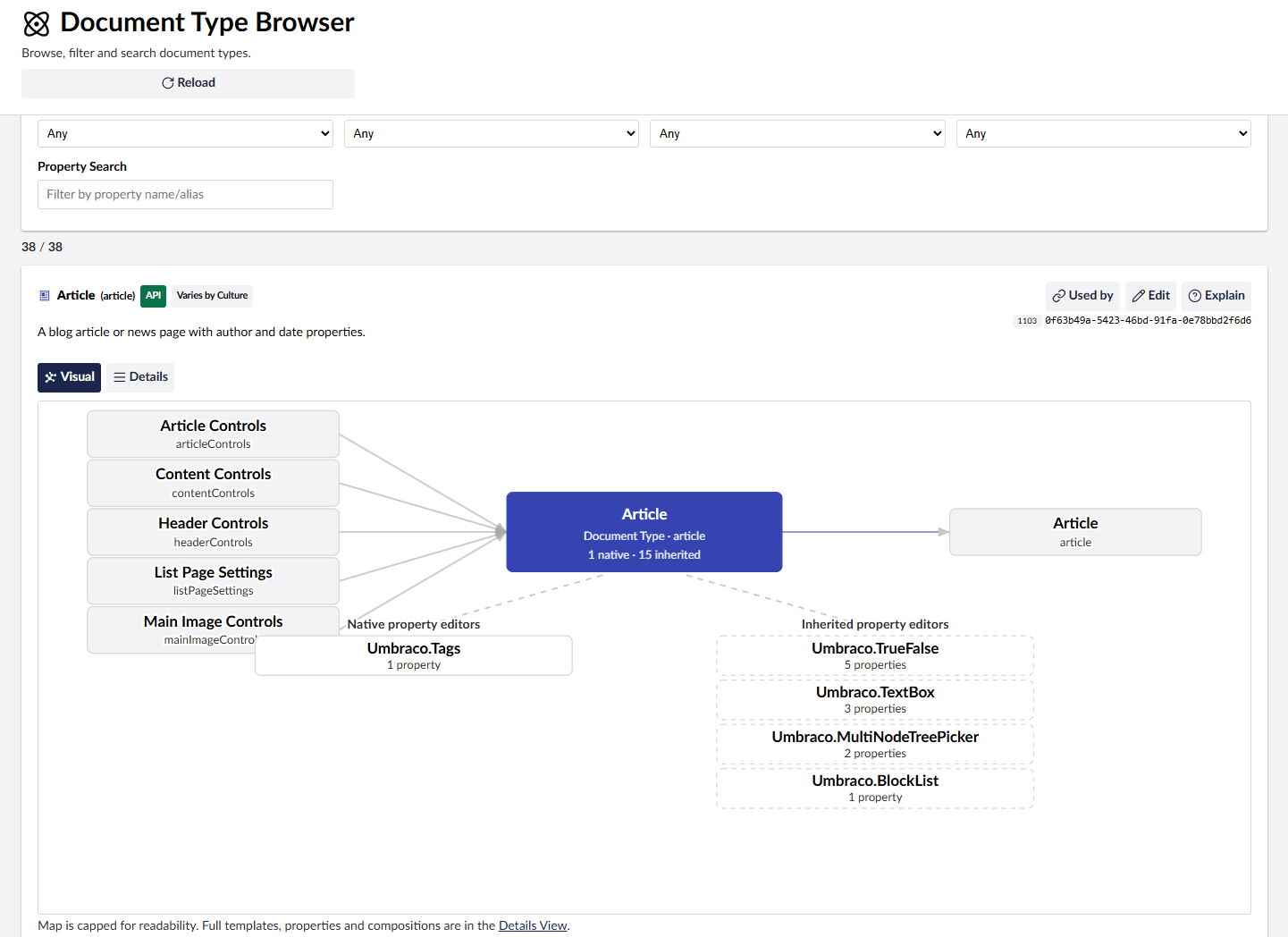
- See document type inheritance, composition usage, data type usage, and property editor usage.
- Distinguish between element types and types that vary by culture or segment.
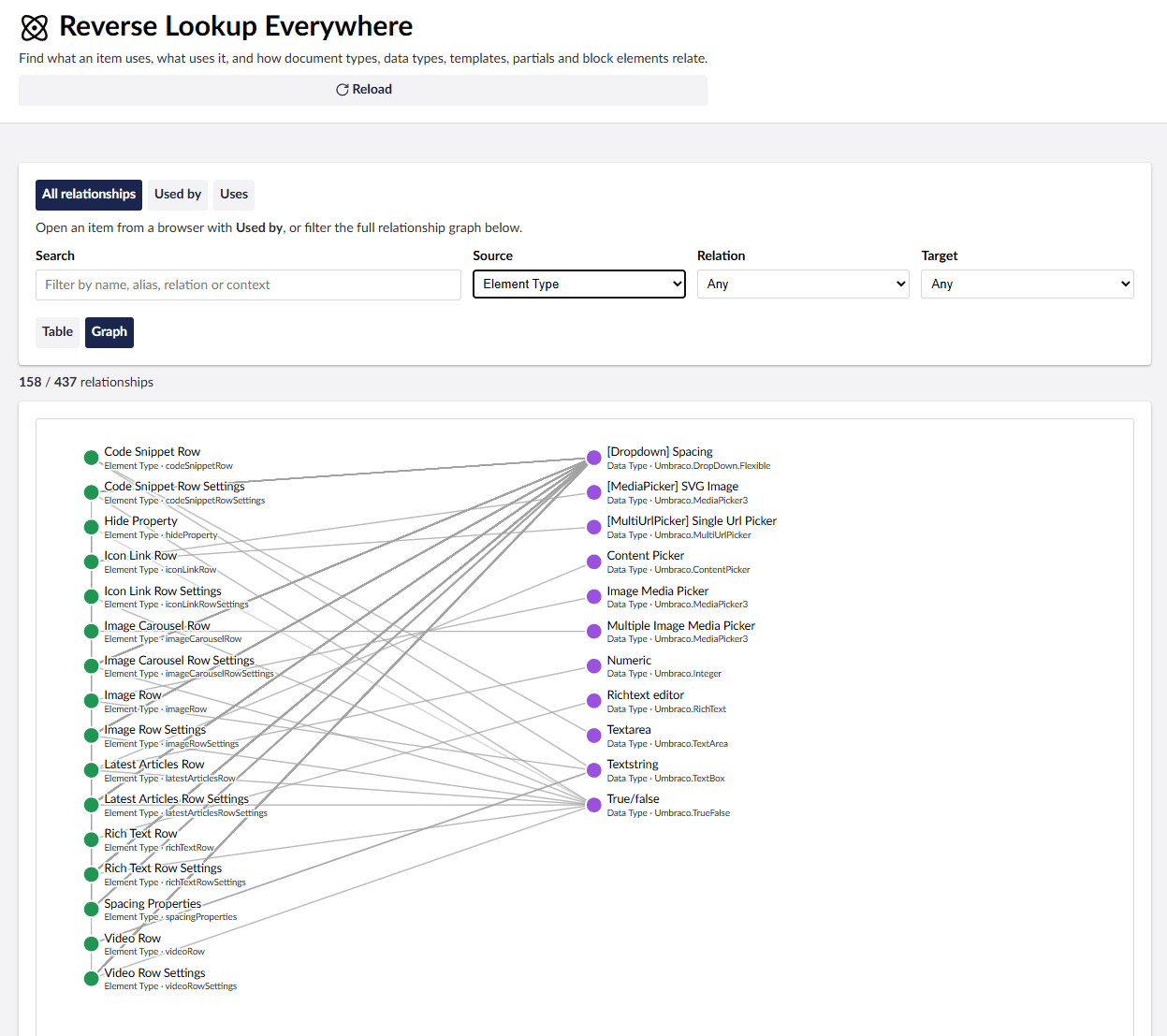
- Find where Element Types are used across Block List, Block Grid, Rich Text, and single-block editors, including nested usage.
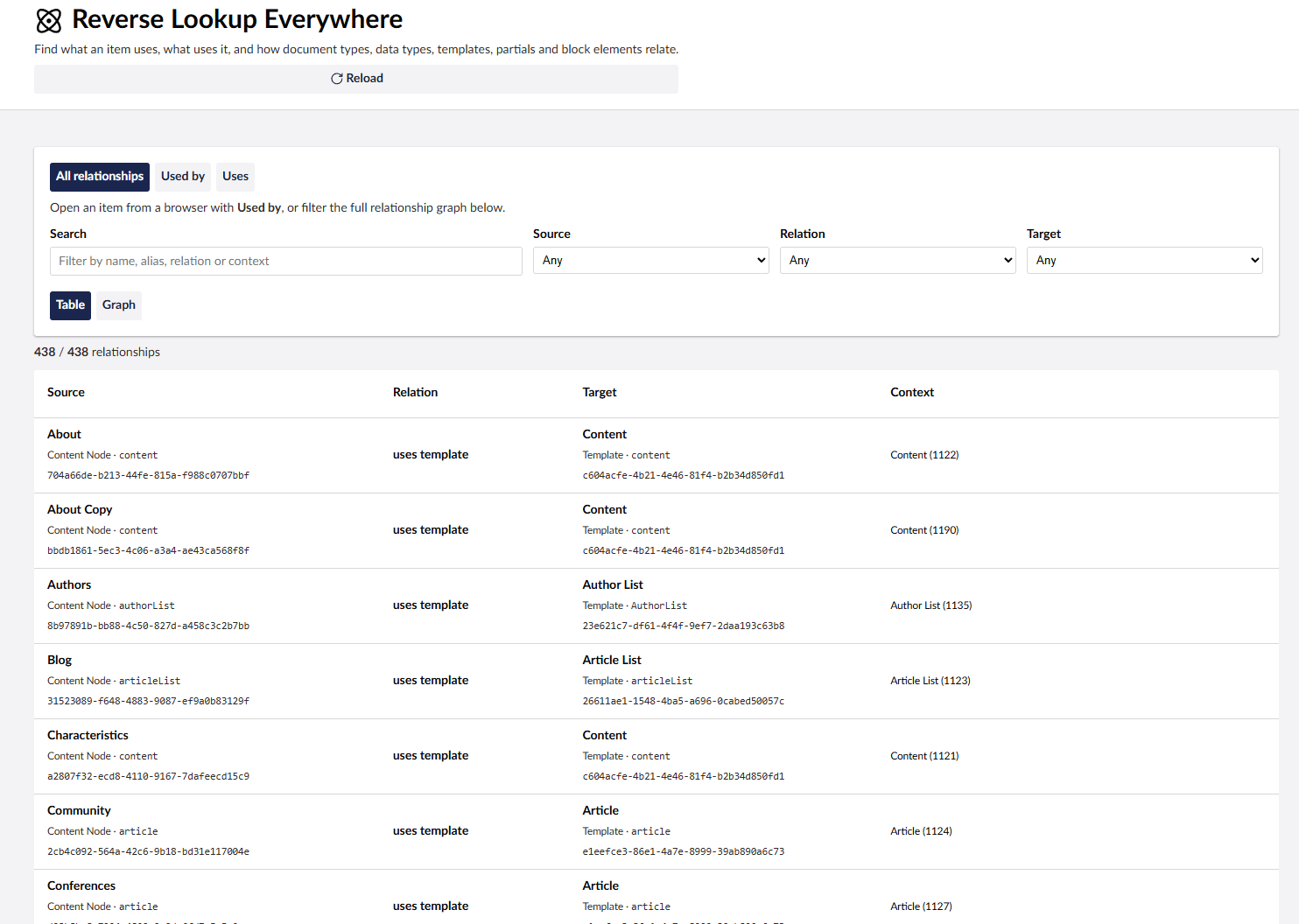
- Trace relationships between types, templates, data types, and block elements with the Reference Graph.
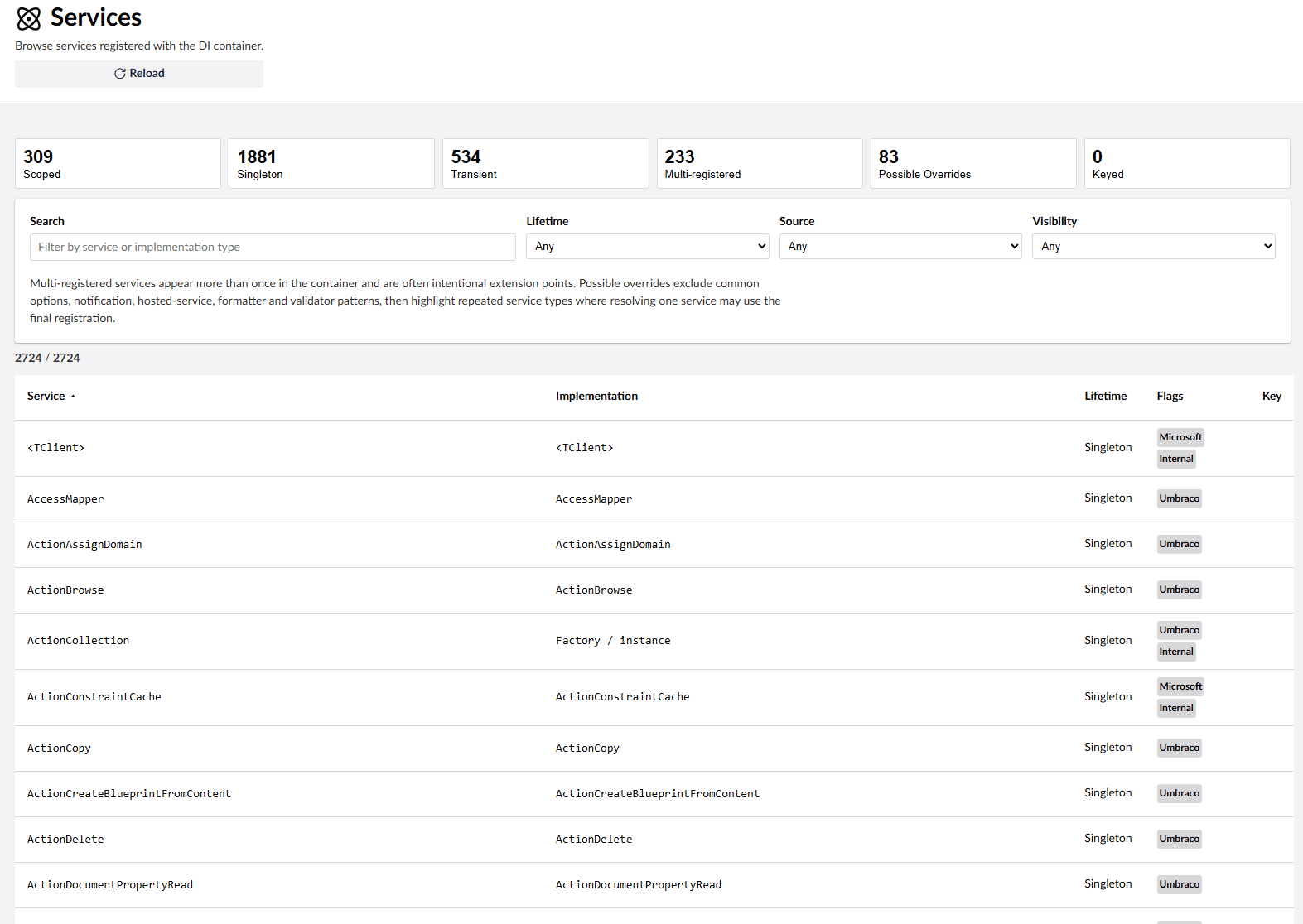
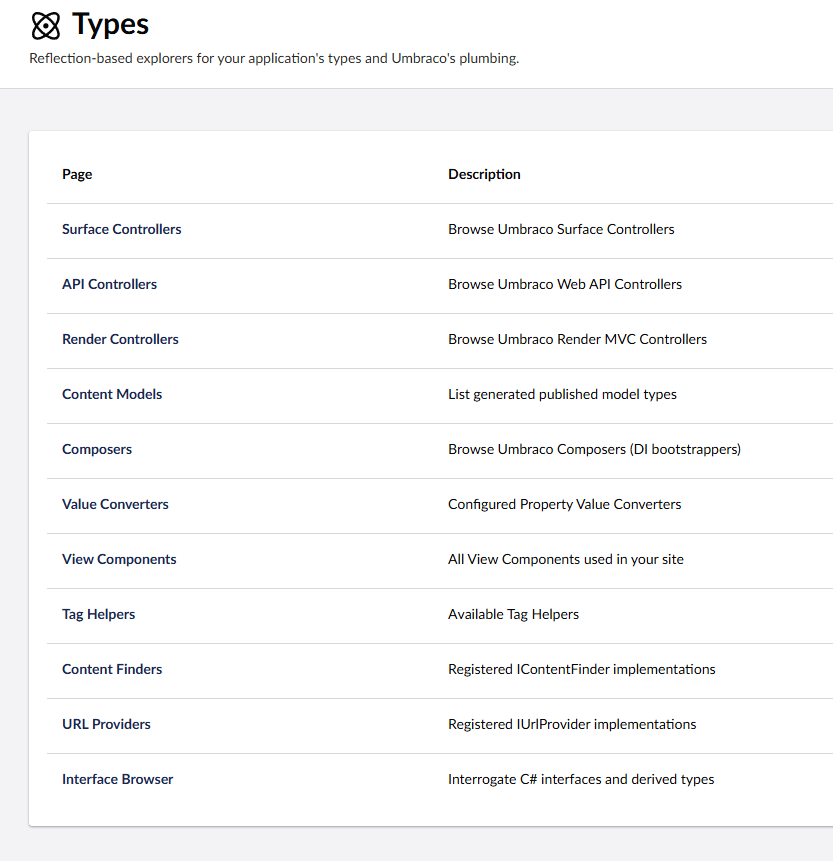
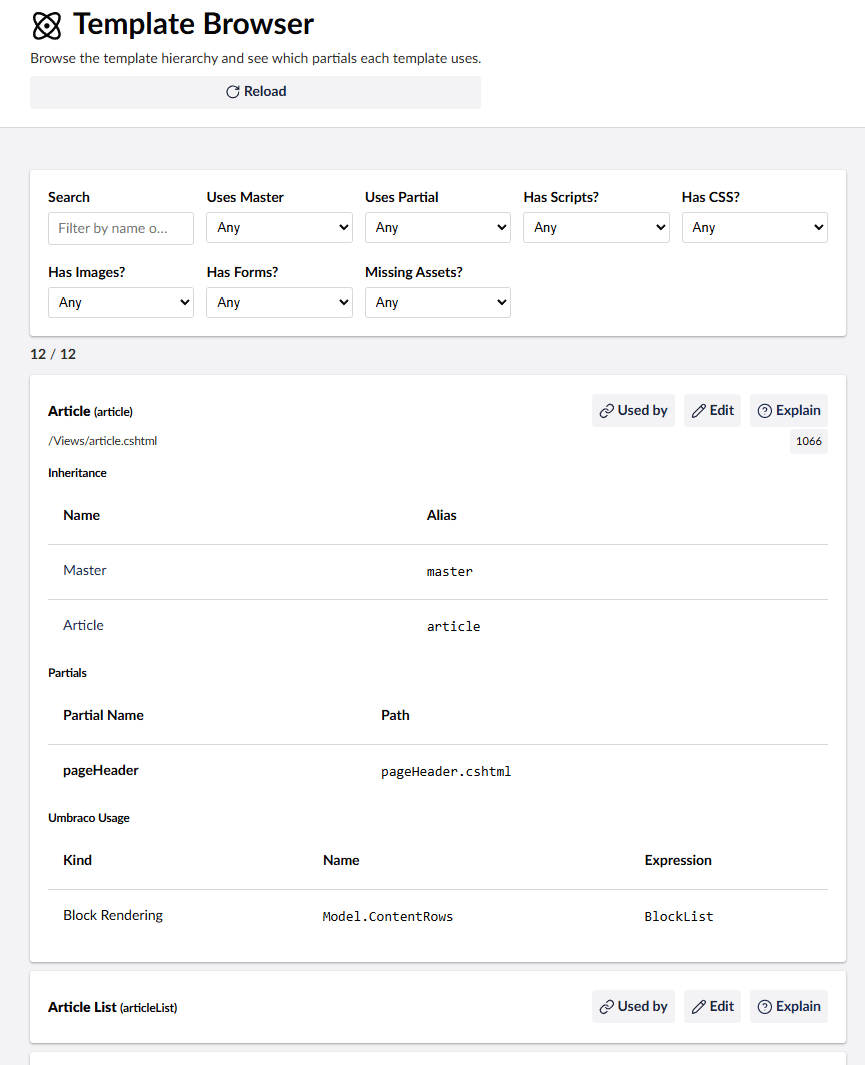
- Browse templates, partials, controllers, generated models, registered services, Content Finders, and URL providers.
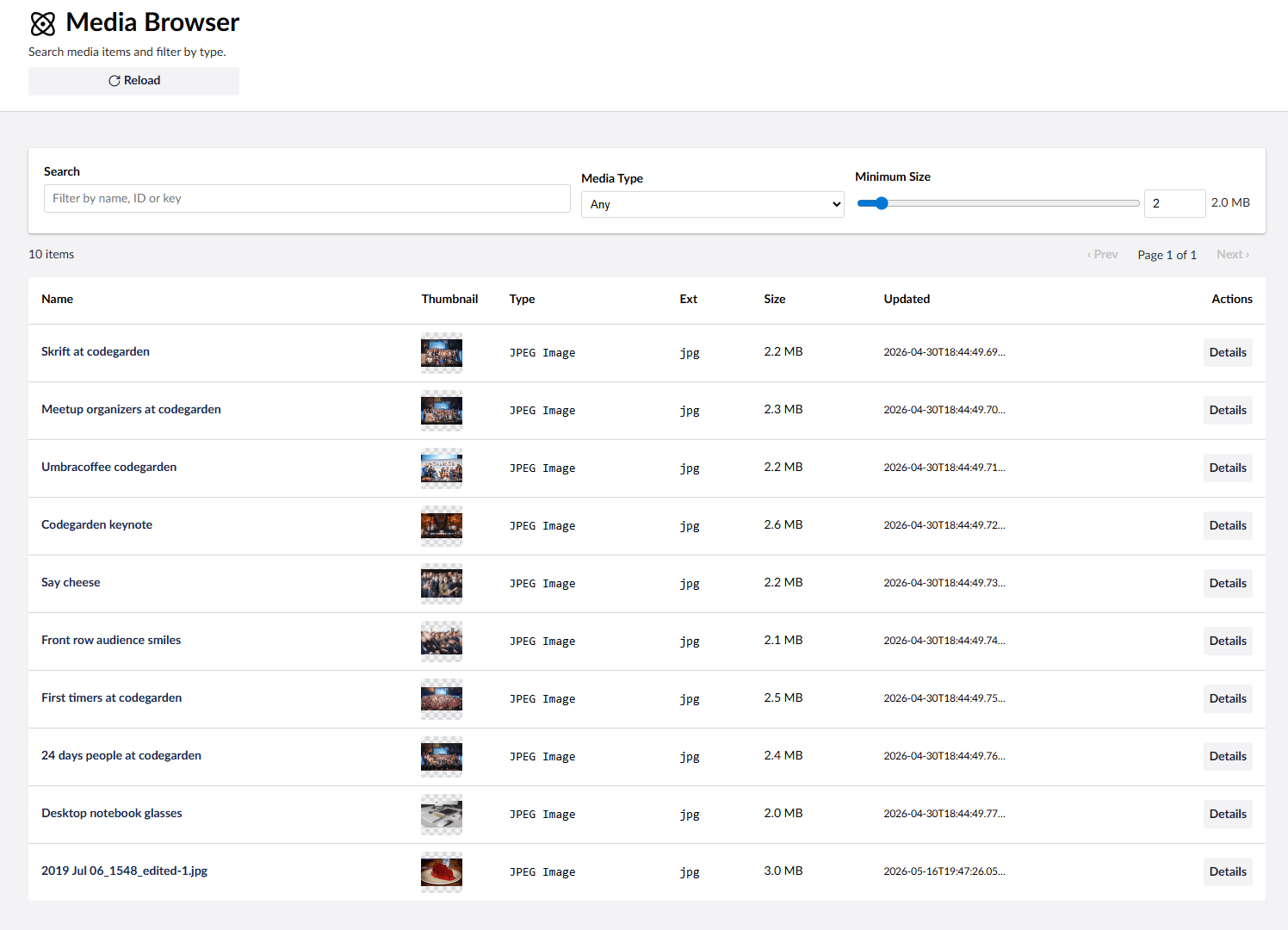
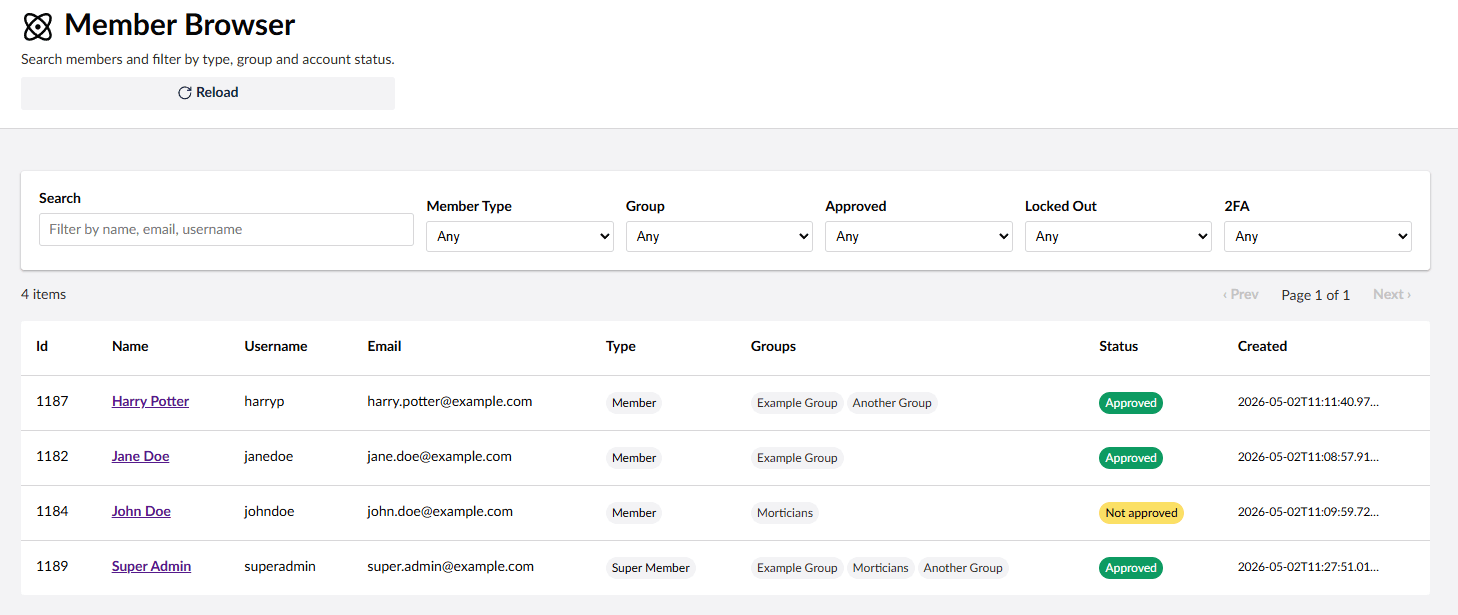
- View content, media, and members in searchable/filterable tables.
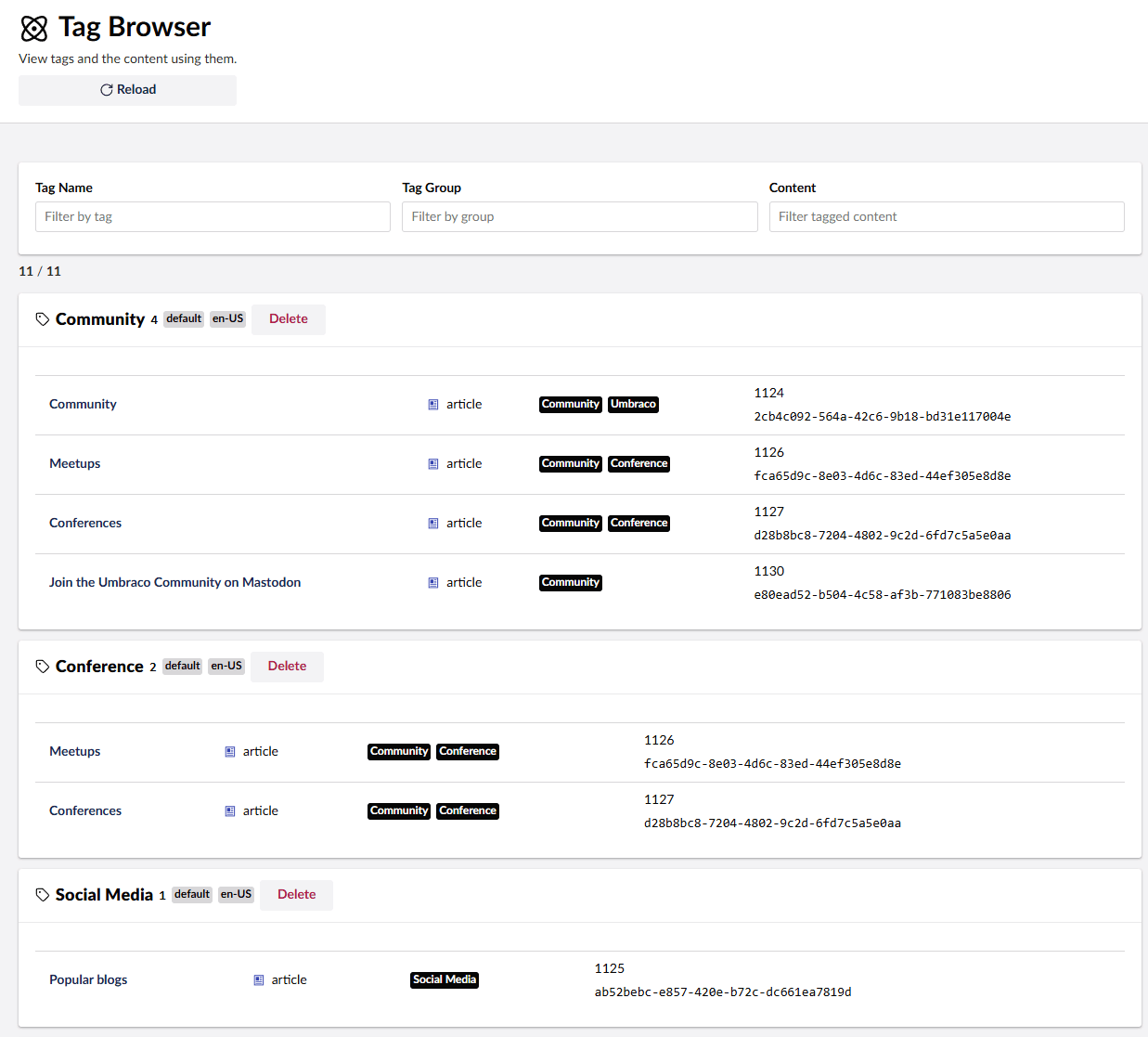
- List tags and the content associated with each tag, including orphaned tags.
- See pending scheduled publishing, overdue schedules, and when the scheduled publishing job last ran.
- Check the server time zone and UTC date handling, and switch dates between Local, Server, and UTC display.
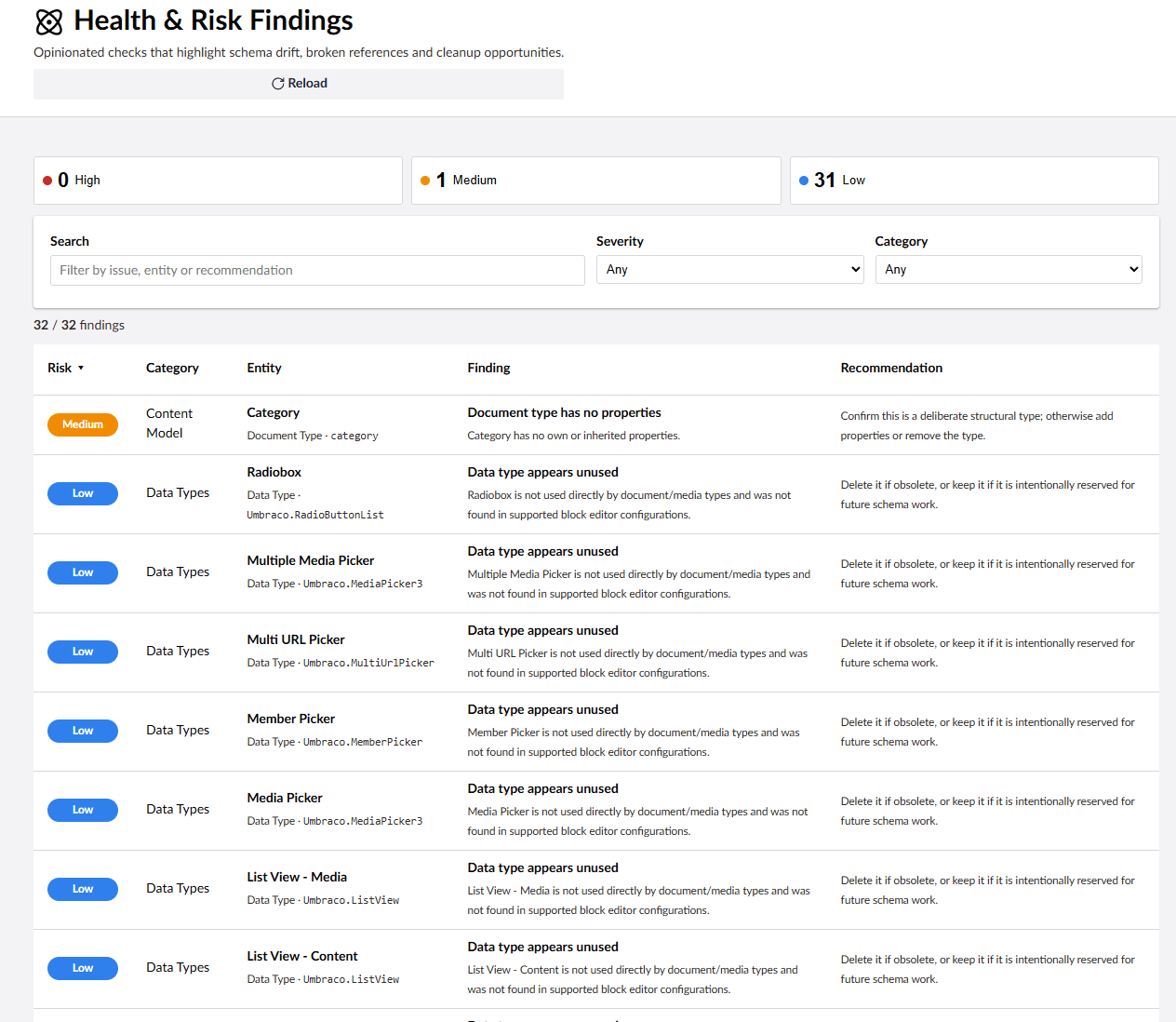
- Surface broken references, configuration drift, and cleanup opportunities with Health & Risk checks.
- Inspect diagnostics, server details, and configuration values, with optional redaction for sensitive settings.
- See the latest stable Umbraco and God Mode versions in each running major and how many listed releases behind they are, loaded asynchronously in the Overview.
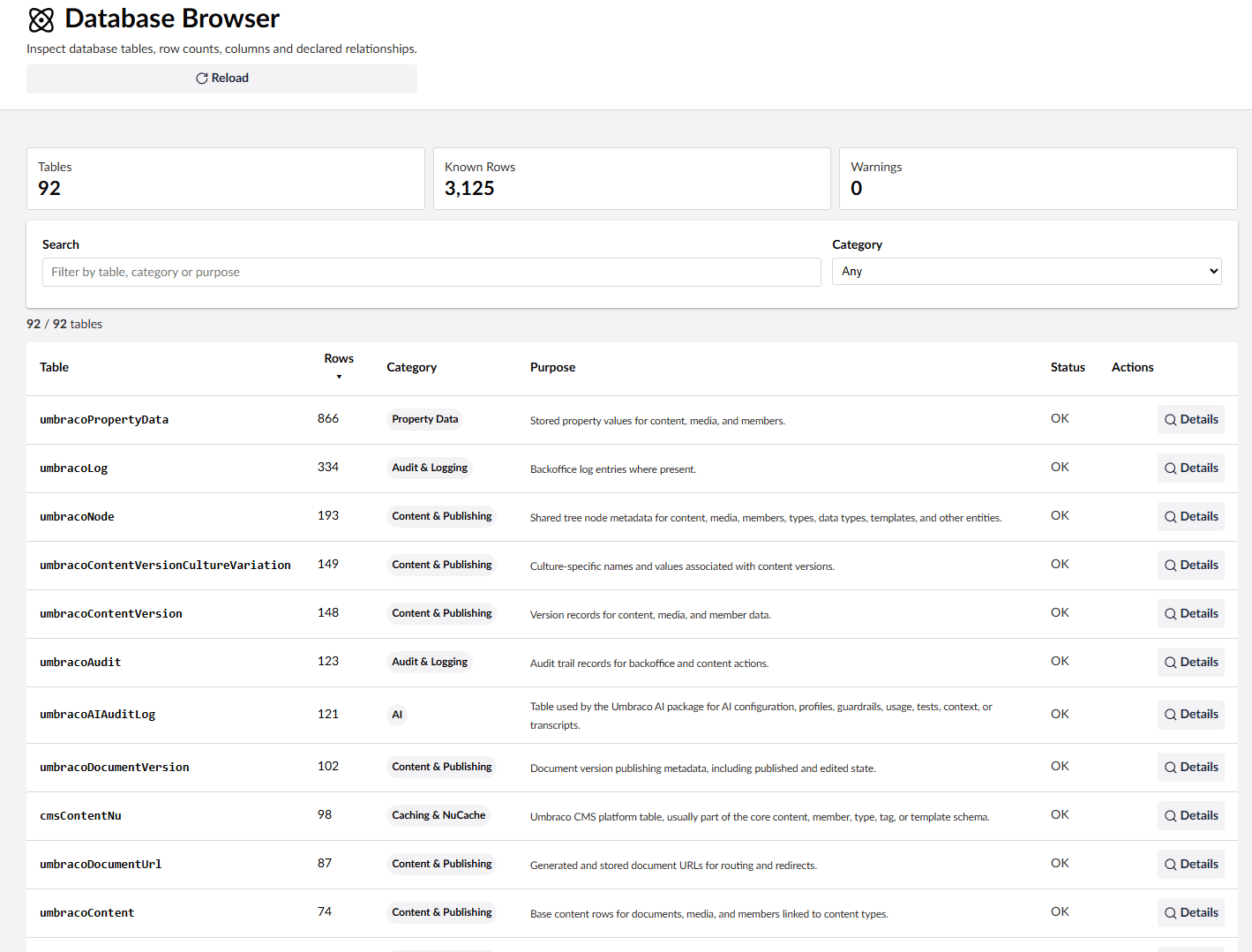
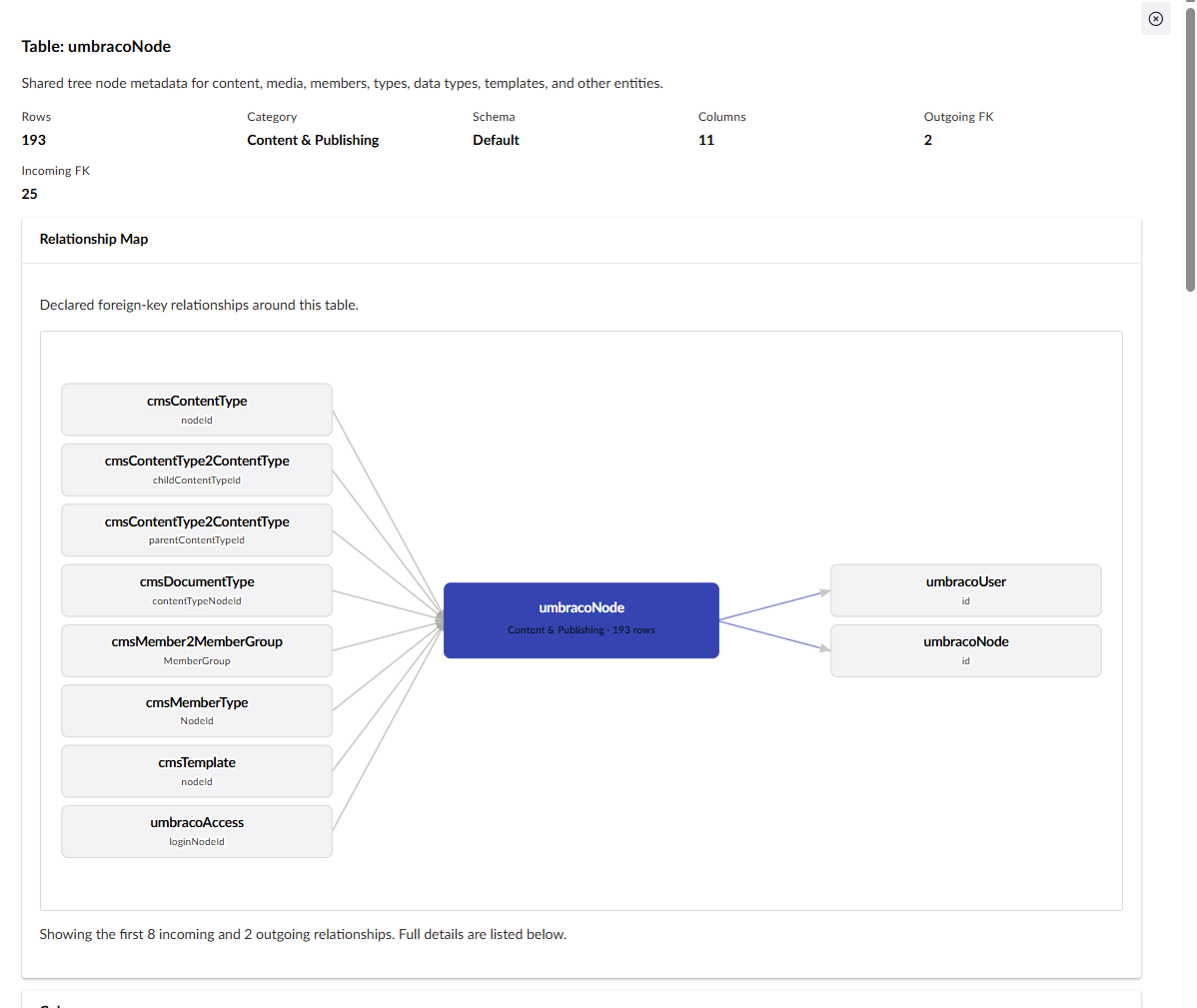
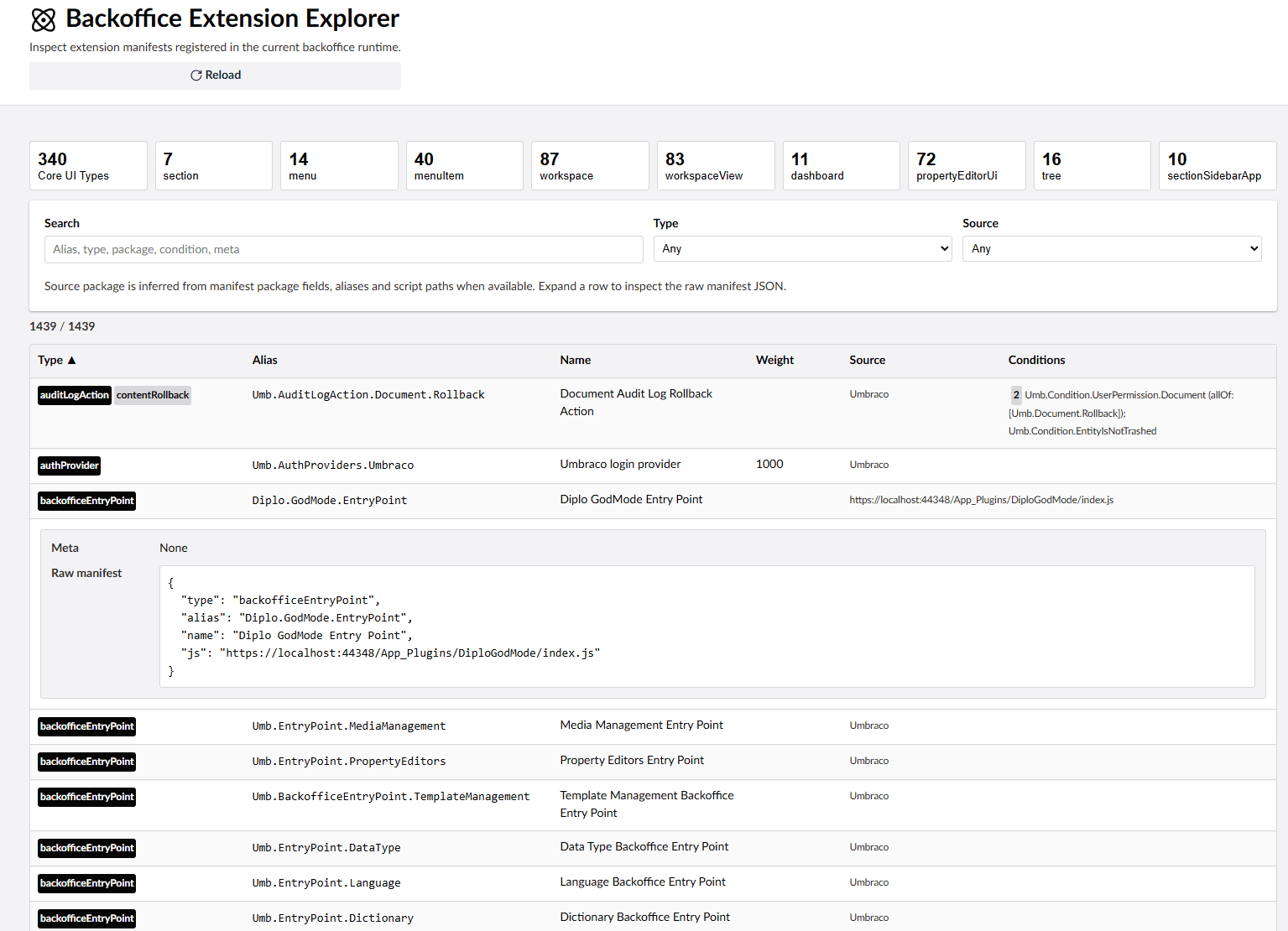
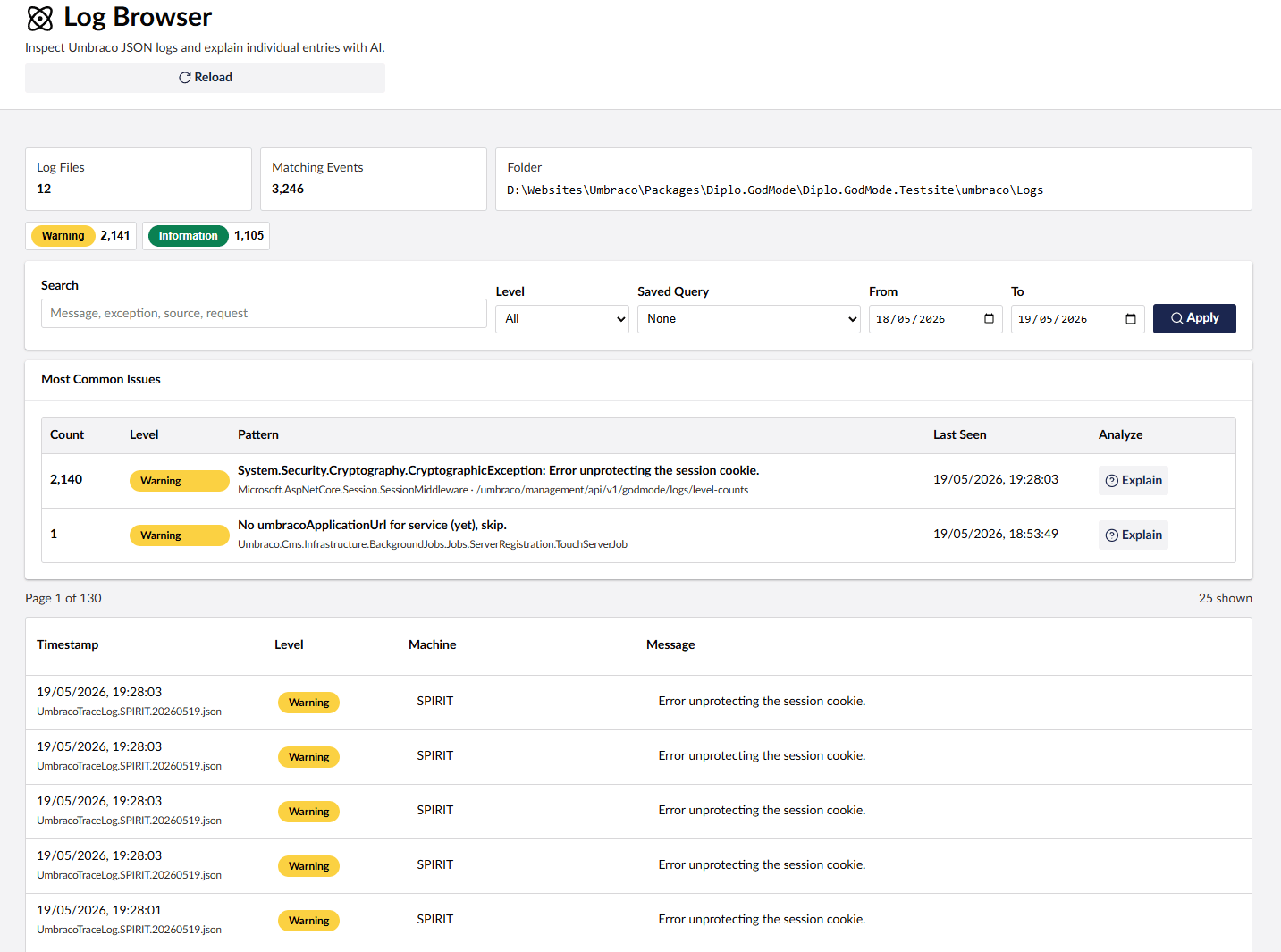
- Filter and search Umbraco JSON logs, and inspect database tables, extension manifests, and NuGet packages.
- Clear Umbraco caches and restart the app where supported.
- Hide any God Mode feature you don't need with configuration.
- Add contextual AI explanations by installing the separate Diplo.GodMode.AI companion package.
Requirements and Dependencies
This version targets:
- .NET 10 (
net10.0) - Umbraco 17
The package supports Umbraco 17.x and declares its Umbraco CMS dependencies as [17.0.0,18.0.0). Client-side build tooling such as Vite, TypeScript, and @umbraco-cms/backoffice is used only when building this repository and is not required by consuming Umbraco sites.
The core package does not depend on Diplo.GodMode.AI. Without the AI add-on installed, God Mode renders no AI controls.
Version guide:
17.xis for Umbraco 17 / .NET 10.13.xis for Umbraco 13 / .NET 8.10.xis for Umbraco 10, 11, and 12 / .NET 6.9.xis for Umbraco 9.2.xis for Umbraco 8.1.xis for Umbraco 7.
Installation
Install from NuGet:
dotnet add package Diplo.GodMode
After installation, restart the site and open the Umbraco backoffice. God Mode appears in the Settings section. The package manifest is served from:
/App_Plugins/DiploGodMode/umbraco-package.json
Optional God Mode AI Add-On
The optional God Mode AI add-on adds contextual Explain buttons powered by Umbraco.AI.
Install from NuGet:
dotnet add package Diplo.GodMode.AI
To use it, configure the free Umbraco.AI with a provider connection and profile first. For example, install the OpenAI provider, create an OpenAI connection in the Umbraco backoffice, then create a profile that uses a model such as gpt-4.1-nano.
Useful Umbraco.AI docs:
- Getting started: https://docs.umbraco.com/ai-in-umbraco/getting-started/getting-started
- Installation: https://docs.umbraco.com/ai-in-umbraco/getting-started/installation
- First connection: https://docs.umbraco.com/ai-in-umbraco/getting-started/first-connection
- First profile: https://docs.umbraco.com/ai-in-umbraco/getting-started/first-profile
Screenshots
Configuration
God Mode reads its options from the GodMode section of appsettings.json. Configuration is optional and documented in the project README:
Overview release checks are enabled by default and use server-side HTTPS requests to NuGet. Set GodMode:EnableReleaseCheck to false before starting servers that must never contact NuGet. Disabling the setting prevents new lookups; an existing lookup can finish within its three-second deadline. Reload an already-open Overview to hide its release status.
https://github.com/DanDiplo/Umbraco.GodMode/tree/v17
Links
- GitHub: https://github.com/DanDiplo/Umbraco.GodMode
- Umbraco Marketplace: https://marketplace.umbraco.com/package/diplo.godmode
- NuGet: https://www.nuget.org/packages/Diplo.GodMode
- God Mode AI NuGet: https://www.nuget.org/packages/Diplo.GodMode.AI
| Product | Versions Compatible and additional computed target framework versions. |
|---|---|
| .NET | net10.0 is compatible. net10.0-android was computed. net10.0-browser was computed. net10.0-ios was computed. net10.0-maccatalyst was computed. net10.0-macos was computed. net10.0-tvos was computed. net10.0-windows was computed. |
-
net10.0
- Umbraco.Cms.Api.Common (>= 17.0.0 && < 18.0.0)
- Umbraco.Cms.Api.Management (>= 17.0.0 && < 18.0.0)
- Umbraco.Cms.Core (>= 17.0.0 && < 18.0.0)
- Umbraco.Cms.Infrastructure (>= 17.0.0 && < 18.0.0)
- Umbraco.Cms.Web.Common (>= 17.0.0 && < 18.0.0)
- Umbraco.Cms.Web.Website (>= 17.0.0 && < 18.0.0)
NuGet packages (4)
Showing the top 4 NuGet packages that depend on Diplo.GodMode:
| Package | Downloads |
|---|---|
|
N3O.Umbraco.Cms
TODO |
|
|
Webwonders.Umbraco.Startup
Startup for Umbraco |
|
|
Etch.Umbraco.SiteBuilder
Umbraco starter kit for Etch |
|
|
Diplo.GodMode.AI
Optional Umbraco.AI companion package for Diplo.GodMode that adds contextual AI explanations to God Mode diagnostics and developer tools. |
GitHub repositories
This package is not used by any popular GitHub repositories.
| Version | Downloads | Last Updated |
|---|---|---|
| 17.3.0 | 0 | 10/10/2026 |
| 17.2.2 | 2,406 | 8/18/2026 |
| 17.2.0 | 516 | 8/14/2026 |
| 17.1.5 | 4,560 | 6/18/2026 |
| 17.1.4 | 660 | 6/11/2026 |
| 17.1.3 | 1,201 | 6/10/2026 |
| 17.1.2 | 309 | 6/8/2026 |
| 17.1.1 | 831 | 5/28/2026 |
| 17.1.0 | 618 | 5/19/2026 |
| 17.0.0 | 1,153 | 5/4/2026 |
| 13.1.0 | 149,708 | 8/12/2024 |
| 13.0.0 | 49,822 | 4/16/2024 |
| 10.3.3 | 10,309 | 4/16/2024 |
| 10.3.2 | 14,116 | 2/16/2024 |
| 10.3.1 | 39,551 | 11/1/2023 |
| 10.3.0 | 60,861 | 3/26/2023 |
| 10.2.2 | 28,314 | 11/28/2022 |
| 10.2.1 | 14,788 | 10/25/2022 |
| 10.2.0 | 21,978 | 8/10/2022 |
Adds asynchronous, cached Overview release checks for Umbraco and God Mode, with an EnableReleaseCheck opt-out. Adds Scheduled Publishing, server time zone and UTC diagnostics, a Local / Server / UTC date display switch, and Health & Risk rules for date migration, scheduling and background jobs. Uses the real process start time for uptime and fixes FeaturesToHide in the God Mode tree. See the package README for full 17.3.0 release notes.